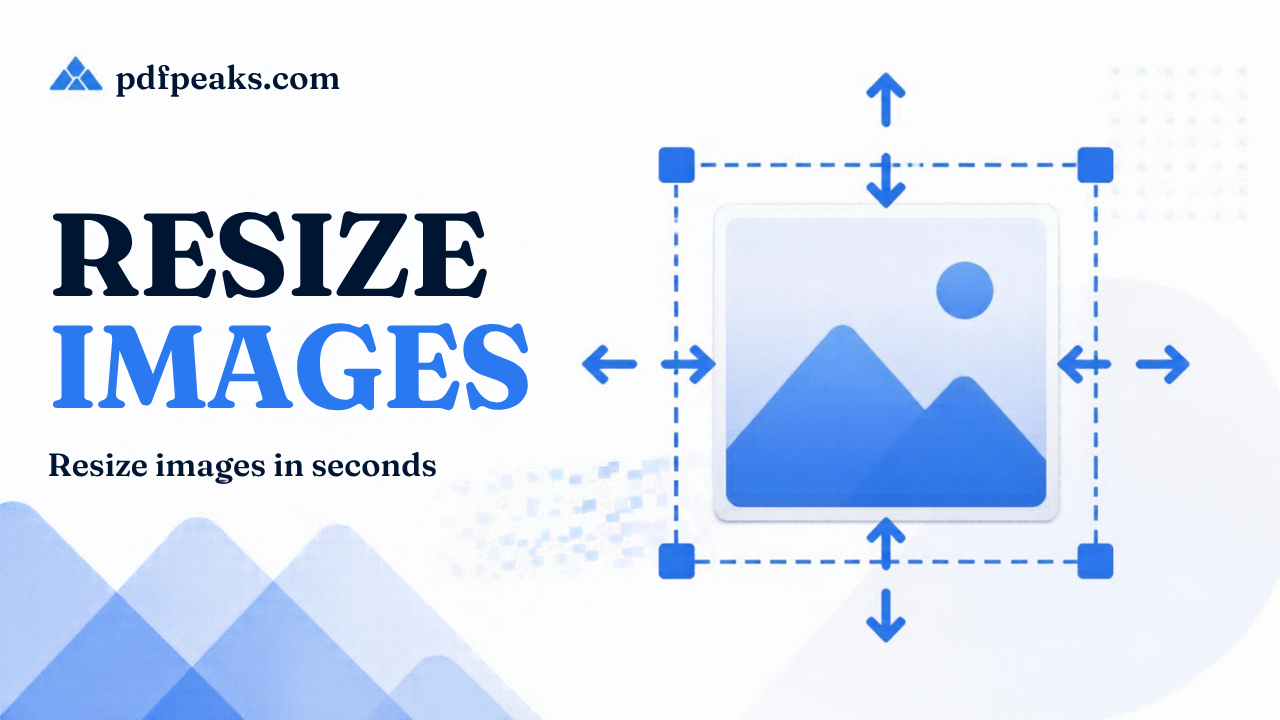
Wrong image dimensions cause blurry heroes, cropped faces, and slow Core Web Vitals. Resizing to the exact display size beats uploading oversized files.
Know your target pixels
Blog heroes often need 1200–1600px width; thumbnails 400–600px. Check your theme or CMS spec before exporting.
Keep aspect ratio locked
Use Resize Image with aspect ratio enabled so portraits do not stretch. Crop with Crop Image when you need a fixed ratio like 16:9.
Do not upscale small photos
Enlarging a 300px image to 1200px will look soft. Start from the largest source file you have.
Compress after resizing
Run Compress Image on the resized output. For modern sites convert to WebP. See compress images without losing quality.
Images into PDFs
Shipping document scans? Resize and compress, then Image to PDF. Read JPG to PDF free online.
Resize now with Resize Image.
No comments yet. Start the discussion.