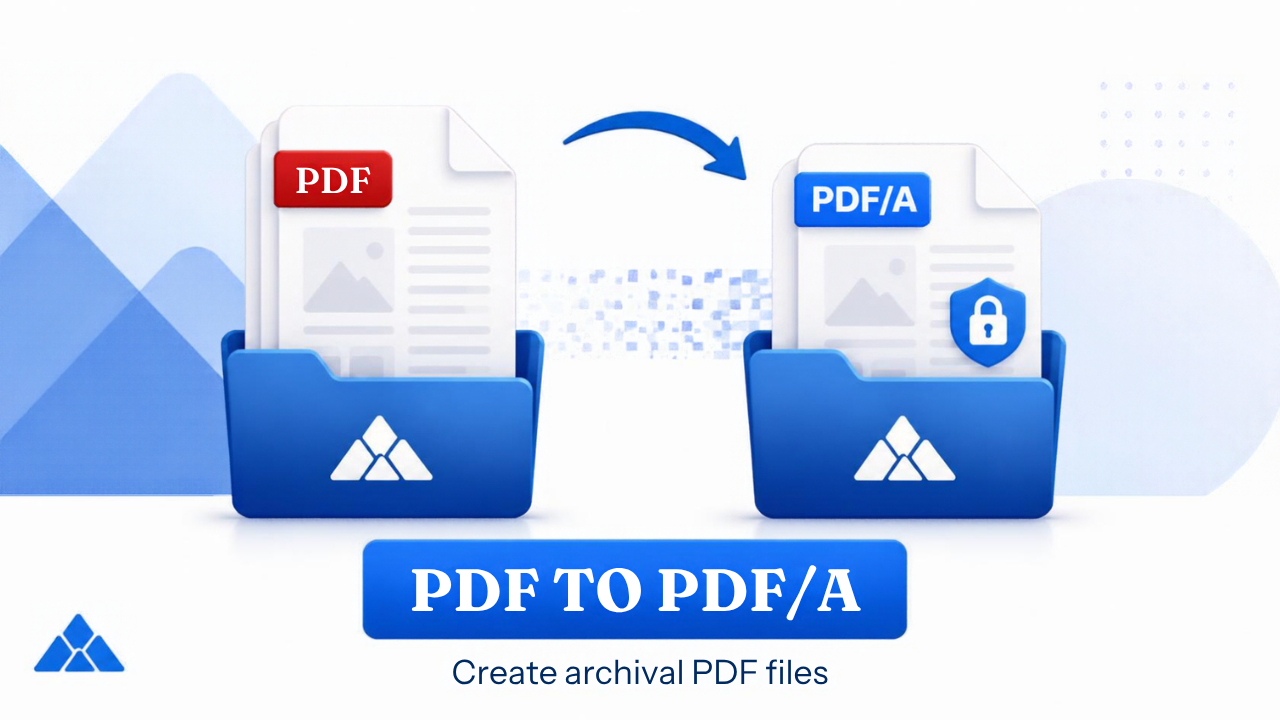
PDF to PDF/A Converter Online Free
Convert PDF to PDF/A-1b, 2b, or 3b for long-term archival and e-filing
Drop PDF here
or select a file from your device
Supported: .pdf · Max size follows site limits
PDF/A-2b: Better compression, supports transparency.
PDF/A-3b: Allows embedding other file formats.
What is PDF/A?
PDF/A is an ISO-standardized version of PDF designed for long-term archival storage.
- All content displayed without external dependencies
- No encryption or password protection
- No audio/video content
- Embedded fonts required
Guide
PDF to PDF/A Converter Online Free — PDF/A-1b Guide
Convert PDF to PDF/A online for free when portals or records offices require an archival format. PdfPeaks is a PDF to PDF/A converter that supports PDF/A-1b (the most common baseline), PDF/A-2b, and PDF/A-3b — embedding fonts and writing a PDF/A OutputIntent for long-term preservation.
How It Works
Upload
Select the PDF to archive.
Convert
Choose PDF/A-1b, 2b, or 3b if options are presented.
Submit
Download and upload to your archival system.
Security & Privacy
Files are encrypted in transit and deleted after processing — see our Privacy Policy for details.
Common Use Cases
- Government: Meet e-filing format requirements that name PDF/A-1b.
- Legal: Submit court records in mandated PDF/A form.
- Libraries: Preserve digitized collections.
- Pharma: Archive validated document packages.
- Enterprise: Standardize records management exports.
Tips for Best Results
Some interactive PDF features are removed in PDF/A — confirm your workflow allows static archival format. Learn what PDF/A format means. Output: PDF/A.