CNIC Photo Size & Passport Photo Maker
CNIC photo size, Pakistan passport, and NICOP photos — sized and framed for common NADRA / DGIP requirements.
Files are processed automatically and deleted after 60 minutes. No human review.
1. Choose your document
Pick the size and background before you upload so the crop guide matches your portal.
2. Upload your photo
Check the requirement of your form — this size preset is not yet verified against an official source.
—
For best results, use a plain background and even lighting — photograph against a wall, not a patterned surface.
Allow camera access. Nothing is uploaded until you capture.
Drop your portrait here
or click to browse
JPG, PNG, WebP · Face the camera · No account required
4. Frame your photo
Drag the photo to center your face. Drag the oval to fine-tune. Pinch or use +/− to zoom. Corner handles resize the frame — you have final control.
5. Your photo
Sample ID card preview
Sample only · watermarked pdfpeaks.com · not a valid ID · not for legal or government use.
Guide
Passport Photo Maker for CNIC, NICOP and Passport (35x45 mm)
PdfPeaks Passport and ID Photo Maker is a free online tool that prepares CNIC, NICOP and Pakistan passport photos. A CNIC or passport photo is 35 x 45 mm, which is 413 x 531 pixels at 300 DPI. Upload a portrait, frame the face in the oval guide, choose a background colour, and download a JPG. The plastic CNIC card itself is the ID-1 size, 85.6 x 54 mm. No account is needed.
A passport or CNIC photo is 35 x 45 mm. That is 3.5 x 4.5 cm, about 1.38 x 1.77 inches, or 413 x 531 pixels at 300 DPI. Pakistan uses it for passports, CNIC and NICOP photos. So do the UK, the Schengen area, Australia and a long list of other countries.
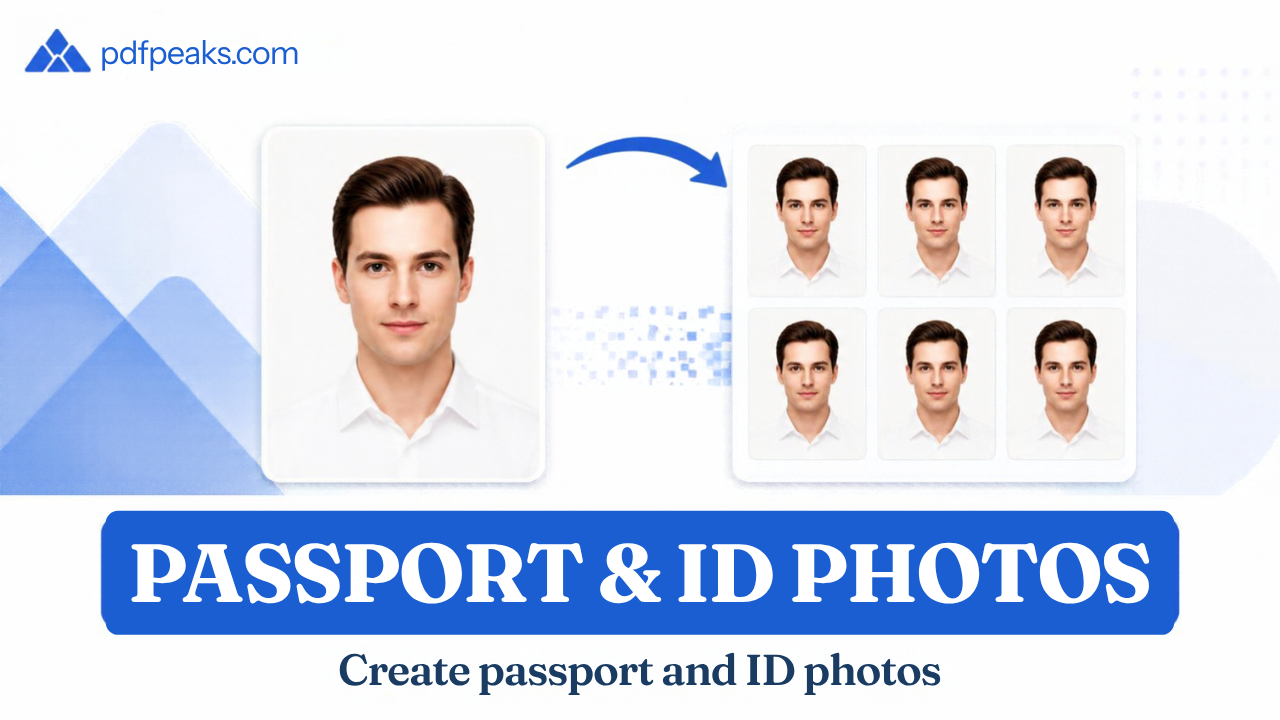
This tool crops an ordinary portrait to that size. Upload a photo or use your camera, line your face up with the oval, pick a background and download a JPG. If your form wants something different, like 2 x 2 inches for a US application, type your own width, height and DPI.
It is free and there is no account. One thing we can't do: promise your photo will be accepted. NADRA centres, online forms and passport offices each have their own rules, so check the current guidance for the one you are using. If you are after the size of the plastic card itself (85.6 x 54 mm), that is on our CNIC Size page.
How It Works
How to make a passport or CNIC photo online
Step 1: Pick your document. Choose passport, CNIC or NICOP and the page fills in the size and background. If your form asks for something else, change the width, height, DPI or colour. Sizes can be entered in mm, cm, inches or pixels.
Step 2: Add a portrait. Upload one, or use the camera. Stand in front of a plain wall with even light and look straight at the lens. With the camera option, nothing is uploaded until you press Capture.
Step 3: Frame your face. Drag the photo until your face sits in the oval, zoom with the plus and minus buttons, and use the corner handles to resize the frame. You make the final call here.
Step 4: Set a file size target if the form has a limit. Pick 50, 100 or 200 KB before you confirm the crop. To reach the target the tool can lower the DPI, down to 150.
Step 5: Confirm the crop and read the checks. They are a guide, not a ruling. If something looks off, fix it and try again.
Step 6: Download the JPG or print it. The print sheet puts six photos on one A4 page. Print at 100 percent or Actual Size, never Fit to Page.
Security & Privacy
What happens to your photo
Files are processed automatically and deleted after 60 minutes. Nobody reviews them. If you use the camera option, nothing leaves your device until you press Capture.
A portrait for an ID document is sensitive, so only upload photos you have the right to use. For a child or another adult, ask for their permission or their guardian's. When you have downloaded your file, delete it from shared computers and from chat apps you don't need it in.
PdfPeaks prepares images. It does not issue or verify a passport, CNIC or NICOP, and it has no connection to NADRA or the passport office. Read the Privacy Policy before uploading anything you would not want a stranger to see.
Common Use Cases
What happens to your photo
Files are processed automatically and deleted after 60 minutes. Nobody reviews them. If you use the camera option, nothing leaves your device until you press Capture.
A portrait for an ID document is sensitive, so only upload photos you have the right to use. For a child or another adult, ask for their permission or their guardian's. When you have downloaded your file, delete it from shared computers and from chat apps you don't need it in.
PdfPeaks prepares images. It does not issue or verify a passport, CNIC or NICOP, and it has no connection to NADRA or the passport office. Read the Privacy Policy before uploading anything you would not want a stranger to see.
Tips for Best Results
Tips for a photo that passes the first time
Use a plain wall: Patterns and shadows behind your head are the main reason the background cutout looks rough.
Light your face evenly: Face a window. A window behind you turns your face dark.
Hold the phone at eye level: Selfies at arm's length distort your face.
Wear something that contrasts with the wall: A white shirt against a white wall makes the edges hard to separate.
Skip the filters: Beauty effects are a common reason for rejection.
Check for glare on glasses: Take them off if the form allows it.
Match the form, not the preset: If the portal lists a pixel size or KB range, enter exactly that.
Lower the KB target before shrinking the size: A smaller target keeps your dimensions intact.
Print one test copy on plain paper: Measure it with a ruler before you use photo paper.
Pick the right tool: To shrink an existing image, use Compress Image. To cut out a background on its own, use Remove Background. For a copy of the card itself, use ID Card to PDF.