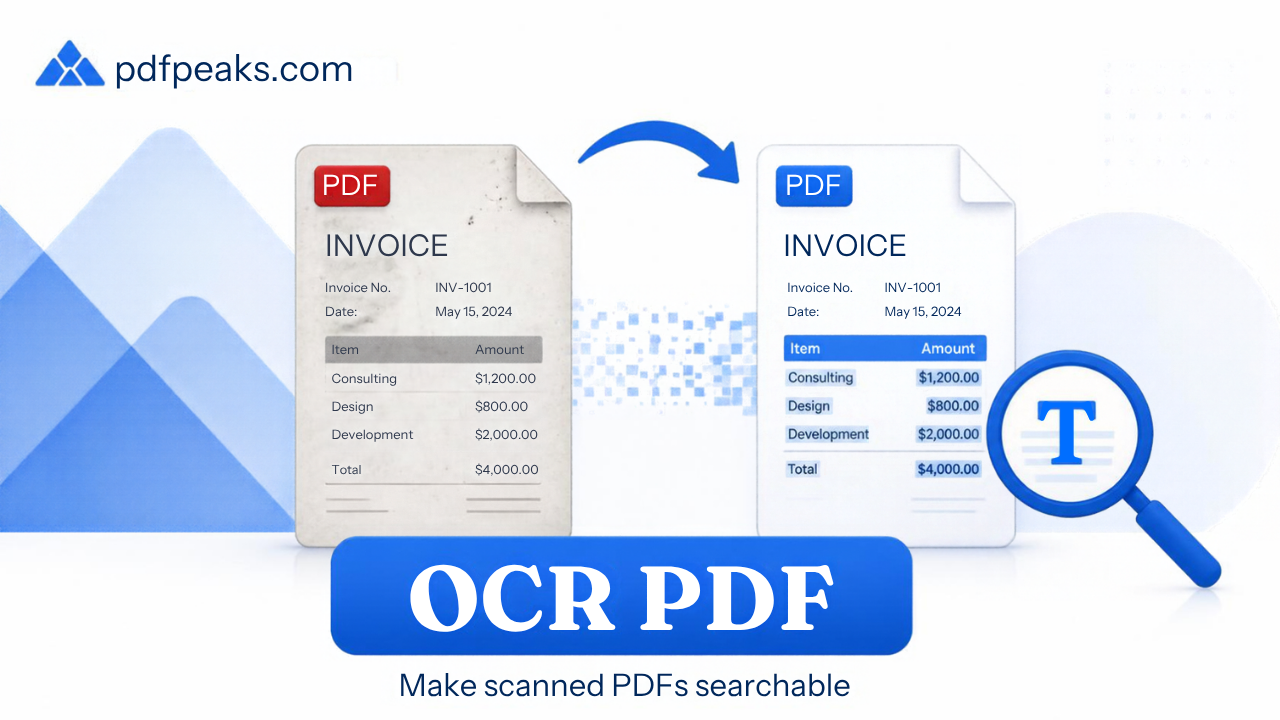
PDF OCR Converter — Make PDF Searchable
PDF to PDF with OCR — add a text layer so scanned files become searchable, copyable, and indexable
Drop scanned PDF here
or select a file from your device
Supported: .pdf
Searchable PDF Notes
Guide
PDF OCR Converter Online Free — PDF to PDF with OCR
Need a PDF to PDF OCR converter? Scanned PDFs look like text but cannot be searched or copied until they have an OCR text layer. PdfPeaks Make PDF Searchable is a free online OCR tool that adds a hidden text layer aligned to each page so you can find words, copy paragraphs, and index archives — without desktop OCR software. Scanned PDFs are pictures until OCR adds a text layer. Use this tool, then read the searchable-PDF guide.
How It Works
Upload
Add a scanned or image-only PDF (clear, straight pages work best).
OCR
Processing builds a text layer under the scan for each page.
Download
Open the searchable PDF and search, select, or copy text.
Security & Privacy
Files are encrypted in transit and deleted after processing — see our Privacy Policy for details.
Common Use Cases
- Research & archives: Find keywords across scanned books and reports.
- Compliance: Make image-only filings selectable for review.
- Accessibility: Improve copy/paste and assistive-tech access to scans.
- Conversion prep: OCR before PDF to Word or Translate PDF.
- Invoice batches: Search vendor names across multi-page scan packs.
Tips for Best Results
Scan at 300 DPI or higher with even lighting for best accuracy. Already have selectable text? The tool preserves it. Need plain text export? Use Extract Text. Compress after OCR, not before. Full walkthrough: make a scanned PDF searchable with OCR. Supported format: PDF (.pdf).