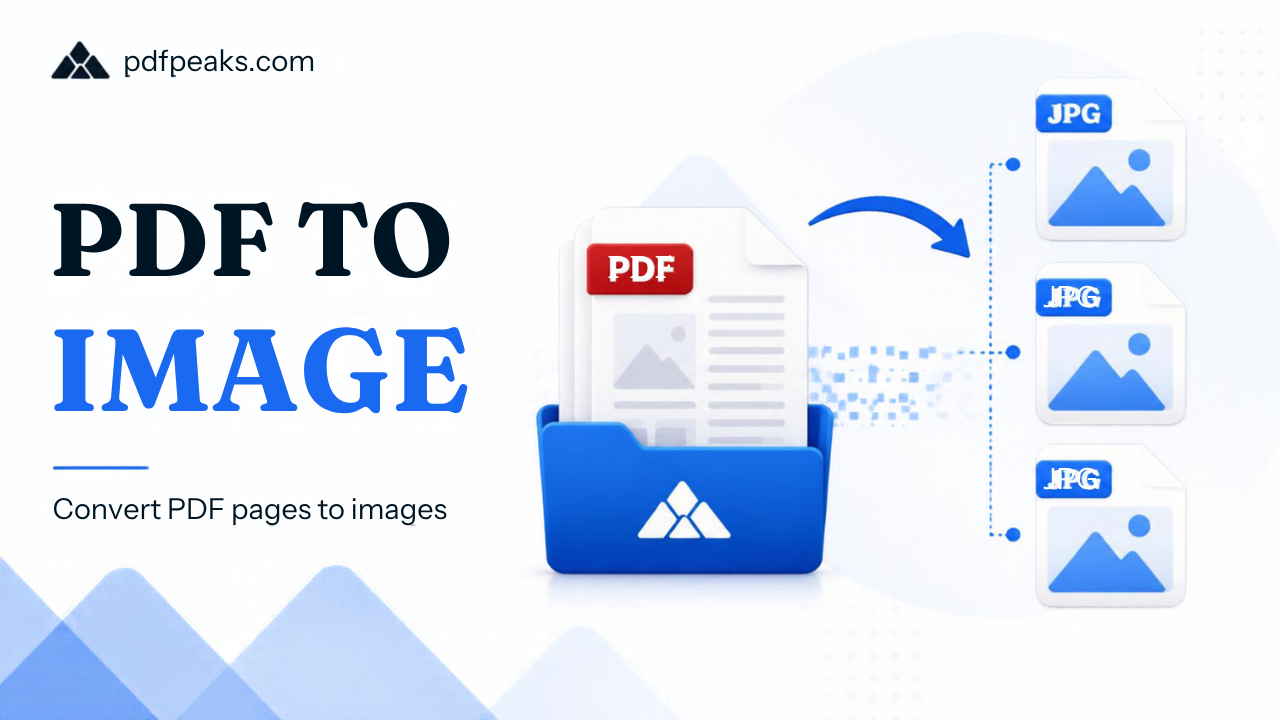
PDF to Image Converter Online Free
Convert PDF pages to JPG or PNG images — preview, select pages, download
Drag & drop your PDF here or click to browse
Select Pages to Convert
Loading PDF preview...
Guide
PDF to JPG Converter – Free Online, High Quality
To convert a PDF to JPG, upload your PDF to PdfPeaks, choose JPG (or PNG), and click Convert. Every page is turned into a separate image you can download, so you can reuse pages in presentations, social posts, or forms that only accept images. It is free and works in any browser, including on your phone.
Need a PDF page as a picture? PdfPeaks turns every page of your PDF into a high-quality JPG or PNG image, straight from your browser. There is nothing to install and it works the same on mobile and desktop.
Image exports are useful when a website only accepts photos, when you want to share one page on WhatsApp or social media, or when a designer needs the page as artwork. Pick JPG for smaller files or PNG for sharper text and graphics.
How It Works
- Upload your PDF. Drag the file into the box or tap to choose it from your device.
- Choose the format. Select JPG for smaller files, or PNG when you need crisp text and lines.
- Convert. Each page is rendered as its own image.
- Download. Save single pages, or take all pages together if you have a multi-page document.
Security & Privacy
Your PDF is used only to create your images. It is not shared, not published, and not used to train anything. Uploaded files are deleted automatically from our servers after conversion, so bank statements, ID copies, and certificates do not stay behind.
For extra caution with sensitive documents, convert them on a private connection and delete the downloaded images from your device when you are done.
Common Use Cases
- Online forms and portals: many application and verification sites accept only JPG or PNG, not PDF.
- Social media and chat: share a single page on WhatsApp, Instagram, or Facebook as a normal picture.
- Presentations and design: drop PDF pages into slides, Canva, or Photoshop layouts.
- Previews and thumbnails: create cover images for documents, brochures, or product catalogs.
- Study notes: turn lecture PDFs into images you can annotate on a tablet.
Tips for Best Results
- JPG vs PNG: use JPG for photos and small files, and PNG for text-heavy pages, diagrams, and logos.
- Need a small file (50, 100 or 200 KB)? Convert first, then reduce the image size with a compressor. This keeps the text readable better than shrinking the PDF itself.
- Want sharper text? Start from the original PDF rather than a scanned or screenshot copy, and choose PNG for the cleanest result.
- Only need one page? Split the PDF first so you do not download images you will not use.
- On a phone? Convert, then long-press the image to save it to your gallery.