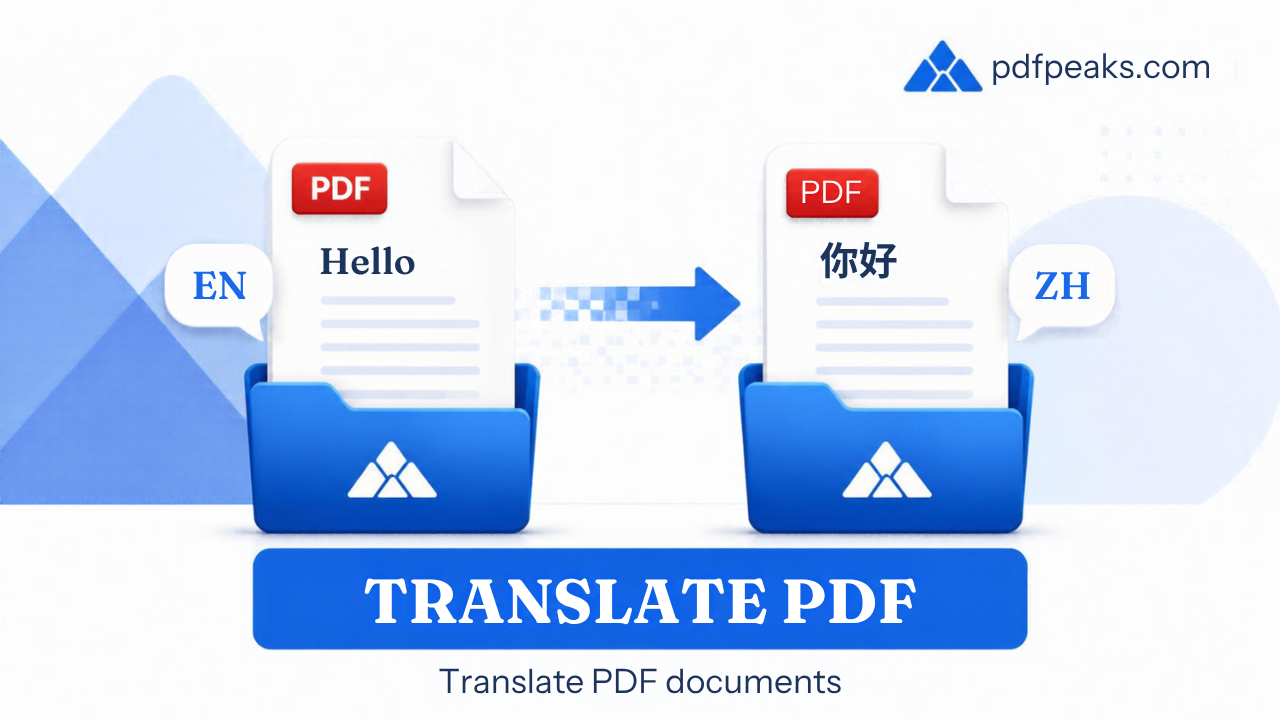
Translate PDF Online Free
Auto-detect language · 130+ targets · download as Word (.docx)
Drop your PDF here
or pick a file from your device
Supported: .pdf | Max 100 MB
How It Works
- Upload any text-based PDF
- We auto-detect the document language
- Choose your target language (Urdu supported)
- We translate the text and give you a Word (.docx) that keeps the layout
Languages include
Guide
Translate PDF Online Free — Download as Word (DOCX)
Translate a PDF into 130+ languages and download an editable Word document (DOCX) with layout preserved where possible. PdfPeaks is a free online PDF translator for Spanish, French, Arabic, Chinese, Hindi, Urdu, and more — OCR scanned pages first for best accuracy.
How It Works
Upload
Choose a PDF with extractable text when possible.
Languages
Pick source and target languages from the list.
Download
Save the translated Word (.docx) file and review formatting and names.
Security & Privacy
Summaries are built on our servers from sentences in the extracted text. Translation runs on our servers when an offline language pair is installed; otherwise extracted text may go to a free translation service to finish the job. Text is not used to train models and is deleted after the job TTL — see our privacy details.
Common Use Cases
- Global business: Share quarterly reports with regional offices.
- Immigration paperwork: Draft translations of supporting letters (verify officially).
- Education: Offer readings to multilingual classrooms.
- Product support: Localize manuals for new markets.
- Personal: Understand foreign-language letters and forms.
Tips for Best Results
Machine translation can misread idioms, names, and legal terms — use a certified translator for official submissions. Output is DOCX (not a PDF). After editing, convert back with Word to PDF. Guides: how to translate a PDF · Urdu ↔ English · English ↔ Hindi. Input: PDF · Output: DOCX.