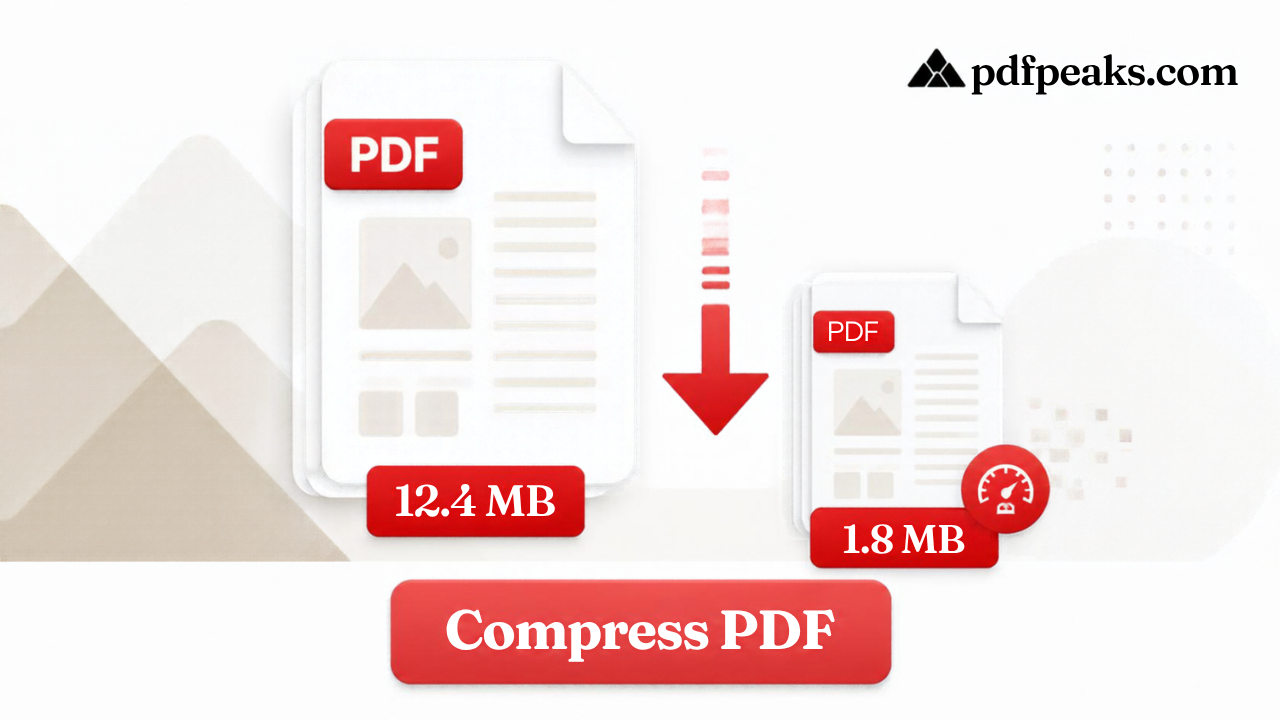
PDF Compressor Online Free — Small Size Fast
Reduce PDF size by quality, or aim for 100KB, 200KB, 500KB, 1MB, or a custom target like 300KB / 400KB / 2MB
Drop PDF here
or select a file from your device
Supported: .pdf · guests up to 100 MB
We'll aim for your target while keeping the document readable. Scanned image-heavy PDFs may not always reach very small limits.
Compression Notes
Guide
Compress PDF Online Free
PdfPeaks Compress PDF is a free online PDF compressor. Upload a PDF, choose a quality level or a target size (100KB, 200KB, 500KB, 1MB, or a custom size in KB), and download a smaller file for email, job and college applications, or government portals with strict upload limits. No signup is needed for standard use, and guest uploads can be up to 100MB.
Compress PDF files online in a few clicks with PdfPeaks, whether you simply want a smaller document or need to fit a strict upload limit such as 100KB or 200KB. There is nothing to install, and standard use needs no signup.
PDFs become large faster than most people expect. A scanned certificate, a phone-captured form, or a report with screenshots can reach many megabytes because each page may contain high-resolution images. Then an application portal, email service, or messaging app rejects the file, and you need to make it smaller without deleting important pages.
PdfPeaks gives you two practical ways to do that.
Compress by quality when you simply want a lighter file. Choose Low, Balanced, or High compression depending on how much size reduction you need.
Compress to a specific size when a website gives you a hard limit. Choose 100KB, 200KB, 500KB, or 1MB, or enter a custom target in KB, such as 50KB, 150KB, or 300KB.
Results depend on what is inside the PDF. Text-based documents often compress efficiently, while image-heavy scans need stronger compression to reach very small targets. Very aggressive compression can make photographs, signatures, and small text softer, so always open the compressed file and check it before uploading.
Keep your original PDF as your master copy. The compressed version is best treated as the copy you send, upload, or share.
Your document may also need preparation before compression. Use Merge PDF to combine several related documents into one file, Split PDF to remove pages you do not need to submit, or Unlock PDF when a protected PDF you are authorized to use is preventing the next step.
For more detailed guidance on balancing file size and readability, read our guide on how to compress a PDF without losing quality.
How It Works
Compressing a PDF with PdfPeaks takes four simple steps.
1. Upload your PDF
Select a PDF from your device or drag it into the upload area. Guest uploads can be up to 100MB.
2. Choose a compression mode
Compress by quality: Low compression keeps the most detail, Balanced is a practical choice for general documents, and High compression prioritizes a smaller file with more image reduction.
Compress to a specific size: Choose 100KB, 200KB, 500KB, or 1MB, or enter a custom target in KB. This option is particularly useful when an application or website gives you a maximum file size.
3. Click Compress PDF
The tool processes the document. Processing time and the final file size depend on the number of pages and the amount of image, scan, and other embedded content in the PDF.
4. Check and download
Compare the new file size with the limit you need to meet. Then open the PDF and check small text, signatures, stamps, photographs, tables, and other important details.
When the result looks correct, download it and use the smaller PDF for your application, email, website, or other upload.
Security & Privacy
PDFs often contain personal information such as identity documents, financial records, contracts, applications, invoices, and certificates, so file handling matters when choosing an online PDF compressor.
PdfPeaks states that files are encrypted in transit and deleted after processing. Review the PdfPeaks Privacy Policy for the latest details before processing sensitive documents.
Compression creates a smaller working copy, so keep your original PDF in your own storage. This is especially important for official, legal, financial, educational, and business records.
If you need to share a compressed document securely after processing, you can use Protect PDF to add password protection before sending it.
Only upload files that you are permitted to process, and always follow the document-handling rules of the organization receiving your file.
Common Use Cases
Government and Official Portals
Online application systems often set strict upload limits, sometimes stated in KB rather than MB. Use the specific-size mode with the exact limit given by the portal, and follow any additional requirements for file type, page count, resolution, or legibility.
Job Applications
Resumes, certificates, cover letters, and supporting documents are frequently uploaded through recruitment systems with file-size limits. A smaller PDF can make uploading easier and help avoid rejection because of an oversized attachment.
University and Scholarship Applications
Admission and scholarship portals may require transcripts, certificates, identification copies, or supporting documents as PDFs. Compressing the completed document can help you stay within the upload limit without deleting required pages.
Email Attachments
A compressed PDF is generally easier to attach, upload, and download. This is especially useful when the document contains scans, photographs, or multiple pages.
Website Publishing
Brochures, menus, catalogs, reports, guides, and downloadable forms can become unnecessarily large. Reducing PDF size can make downloads more practical for visitors, especially people using mobile data or slower connections.
Mobile Sharing
Phone-scanned PDFs often contain large images even when they have only a few pages. Compressing the PDF can make it easier to send through messaging services or upload from a phone.
Business Documents
Invoices, proposals, reports, signed agreements, and scanned records are easier to attach, upload, and share when unnecessary file size has been reduced.
Cloud Storage
Large collections of scanned documents can consume significant storage and take longer to synchronize. Compressed copies can save space while the original files remain safely stored for situations where full quality is required.
Preparing a document packet
Sometimes the problem is not only file size. You may have several separate PDFs when a portal expects one file. In that case, merge your PDF files first and then compress the finished document.
If you have pages that should not be submitted, use Split PDF to extract only the pages you need before compression.
For documents with unnecessary scanner borders or oversized white margins, Crop PDF can clean up the visible page before you create the final compressed copy.
If the PDF is password-protected and you know the password and have permission to modify the document, Unlock PDF it first and then compress the unlocked copy.
Tips for Best Results
Start with the gentlest setting that solves your problem.
If the PDF only needs to be slightly smaller, heavy compression can reduce image quality without providing a useful benefit. Start with Low or Balanced compression and increase it only when necessary.
Aim slightly below a strict upload limit.
Different systems may display or calculate file sizes slightly differently. A file that is exactly at the stated limit can sometimes be rejected. When a portal allows 200KB, targeting around 190KB can provide a small safety margin.
Think about the number of pages.
A 100KB target for a long scanned document leaves very little space for each page. If you are trying to compress a 10-page scan to 100KB, reaching the target while preserving readable images may be difficult.
When possible, remove pages you do not need before compression by using Split PDF. This is often better than forcing a large document into an unnecessarily small target.
Know what kind of PDF you have.
Text-based PDFs, such as documents exported from Word or Excel, often compress well while remaining sharp.
Scanned PDFs and phone photographs contain much more image data. These files usually have greater compression potential, but very small targets can soften text, stamps, signatures, and photographs.
Always preview the result.
Open the downloaded PDF before submitting it. Check headings, small print, tables, signatures, stamps, photographs, page numbers, and other information that needs to remain clear.
Prepare the file before compression.
If you have multiple related documents, Merge PDF can create one finished packet before compression.
If a password is preventing processing, use Unlock PDF first, provided you know the password and are authorized to modify the file.
If the pages contain large scanner borders or unnecessary white margins, use Crop PDF to clean the visible page area. Cropping and compression solve different problems: cropping changes the visible page area, while compression targets the file size.
Do not chase the smallest possible file for every situation.
For a document that people need to read, a slightly larger PDF with clear text and images is often better than an extremely small file with blurry content.
For more guidance on choosing compression settings, read How to Compress a PDF Without Losing Quality.
Follow the receiving website's requirements exactly.
Some portals specify only a maximum file size, while others also require a particular file type, page count, resolution, or document quality. Meeting the size limit is only one part of a successful upload.