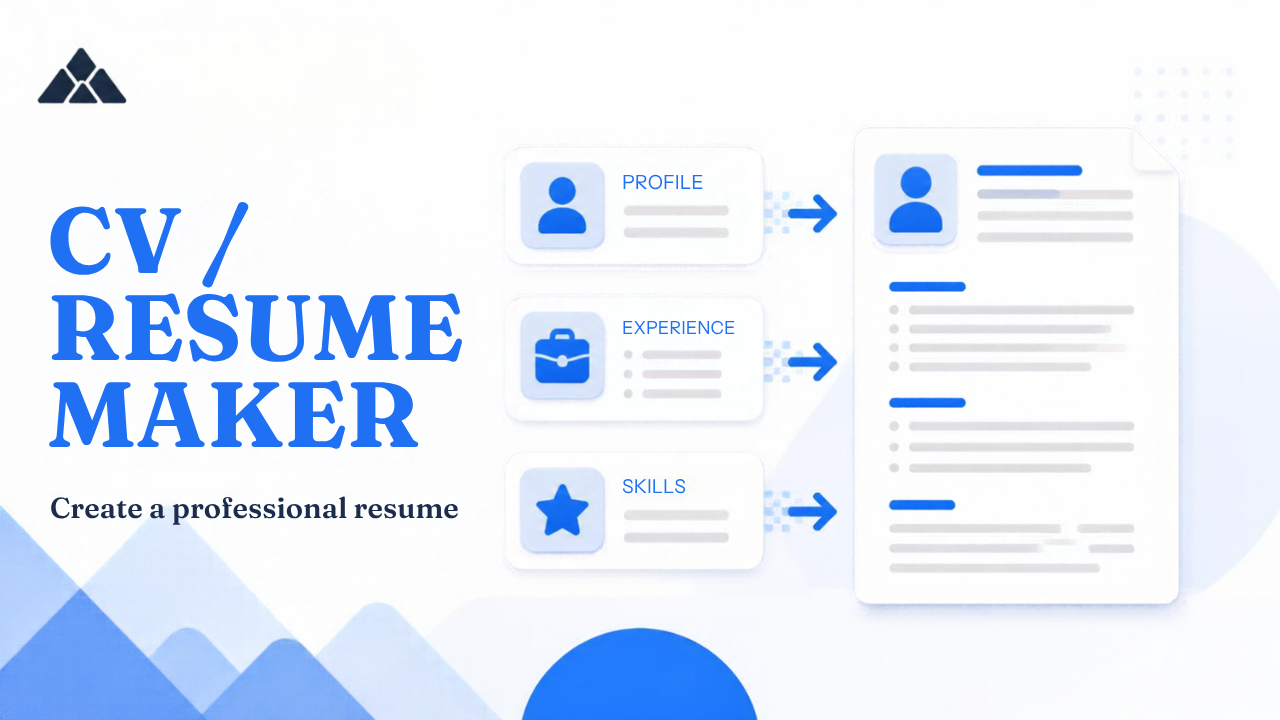
CV / Resume Maker
Build a professional CV with photo online. Eight layouts including ATS, timeline, and academic. Pick A4 or Letter. Free PDF, no watermark — sign in only to save drafts.
PDF download is free — no watermark, no account required. Sign in to save drafts, brand settings, and monthly totals.
Start from a sample profile, then swap in your name, photo, and facts. PdfPeaks includes Profile, What I can do, and What you can expect from me so hiring managers see more than a job list. Eight layouts: ATS Simple, Modern two-column, Compact, Executive, Profile story, Fresh accent, Academic, and Timeline. Choose A4 or US Letter. Preview updates as you type. Download is a clean PDF with no watermark and no account wall.
Guide
Free CV Maker & Resume Builder Online
PdfPeaks is a free online CV maker and resume builder that lets you create a professional CV using eight layouts, an optional photo, and A4, US Letter, or Legal page sizes. Preview your changes as you type and download a PDF without a watermark or mandatory login. Choose the ATS Simple layout for online job applications, or use a more visual layout when applying directly to an employer. Sign in only if you want to save your draft and photo for later editing.
Need a professional CV or resume for your next job application? PdfPeaks is a free online CV maker that helps you create, preview, and download your document without installing software or paying to remove a watermark.
Choose from eight different layouts, select A4, US Letter, or Legal page size, and add your profile, education, work experience, skills, and achievements. You can start with a sample profile or build your CV from scratch. The live preview helps you check your document before downloading it as a PDF.
If you are applying through an online recruitment portal, the ATS Simple layout offers a straightforward, single-column structure with standard headings. For applications where presentation matters more, choose a modern, executive, academic, or timeline design.
You can download your CV without creating an account. A free login is only needed if you want to save your draft and photo for later.
Complete your application with the PdfPeaks Cover Letter Generator. If an application has a strict word limit, the Word & Character Counter can help you check your text before submitting it.
How It Works
Create your CV online in five simple steps.
- Choose a layout and page size. Select one of eight CV designs and choose A4, US Letter, or Legal, depending on the requirements of your application.
- Start with a sample or blank CV. Use the sample profile to understand how the sections fit together, or begin with an empty document for complete control over your content.
- Enter your information. Add your name, contact details, professional profile, education, experience, and skills. Describe responsibilities and achievements using clear, specific language.
- Customize and preview. Add an optional photo, adjust your details, and review the live preview. If you need to prepare a photo first, use the Passport & ID Photo Maker to crop and size it.
- Download your PDF. Check your CV for spelling errors, inconsistent dates, and missing information, then download the finished document. You do not need an account to export it.
A clear CV should make it easy for a recruiter to identify your qualifications, relevant experience, and suitability for the position.
Security & Privacy
PdfPeaks CV Maker allows you to create and download your CV without signing in. If you use the tool as a guest, your photo stays in your browser session and in the PDF you export. If you sign in and save your work, your draft and photo can be retained so that you can edit them later.
Before saving or sharing a CV, check the contact details and personal information it contains. Include only information that is appropriate for your job application, and avoid adding sensitive details that an employer has not requested.
For further information about how PdfPeaks handles information, read the PdfPeaks Privacy Policy.
Common Use Cases
The CV Maker is suitable for different career stages and application requirements.
- Fresh graduates: Create a first CV that puts education, relevant skills, projects, internships, and certifications in a clear order.
- Experienced professionals: Present work history, achievements, qualifications, and responsibilities in a polished format.
- Career changers: Choose relevant experience and transferable skills that support your move into a different field.
- Online job applications: Use the ATS Simple layout with standard headings and a straightforward reading order.
- Direct applications and interviews: Choose a more visual layout when it suits the employer, industry, and role.
- Academic applications: Use the Academic layout to emphasize qualifications and research-related experience.
- Applications requiring a photo: Add an optional photo when the employer or application instructions request one.
- Students applying for internships: Present education, coursework, projects, and practical experience without filling the page with unrelated details.
Students who need to calculate the grade information for their education section can also use the GPA / CGPA Calculator.
Tips for Best Results
A well-structured CV is more useful than one filled with unnecessary design elements. Follow these tips before you submit your application.
- Choose the right template for the application. For online recruitment portals, start with ATS Simple. Complex columns, sidebars, icons, and text boxes can make some applicant tracking systems harder to parse.
- Use clear section headings. Headings such as Experience, Education, Skills, and Certifications help recruiters find information quickly.
- Focus on achievements. Whenever possible, describe what you accomplished, the scale of the work, and the result rather than listing duties alone.
- Tailor the CV to each job. Highlight the relevant skills and experience requested in the job description. Include keywords naturally and only when they accurately describe your qualifications.
- Keep the layout consistent. Use consistent dates, spacing, headings, and readable font sizes. Review the PDF on your screen before sending it.
- Add a photo only when appropriate. Follow the employer's instructions and the conventions of the country where you are applying. A photo is not required for every CV.
- Prepare your photo carefully. If its background needs cleaning, try Remove Background before adding it to your CV.
- Check the final PDF. Confirm that no text is cut off, the contact information is correct, and all pages are readable. If a recruitment portal has a file-size limit, use Compress PDF.
- Keep an editable copy when needed. The CV Maker exports PDF. If you later need to edit the downloaded file in Word, the PDF to Word Converter can help, although complex layouts may need adjustment afterward.