Convert Image
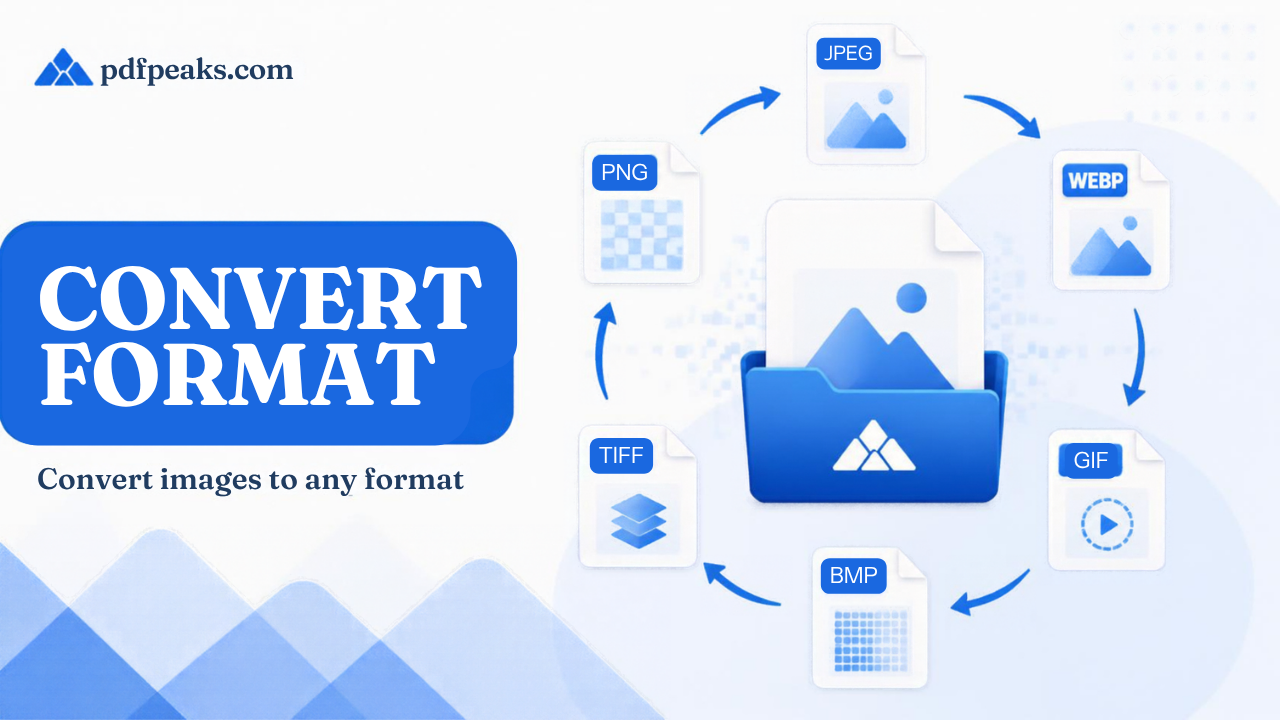
Convert your images between different formats
Drag & drop your image here
or
Convert Image Format Online — Complete Guide
Switch between JPG, PNG, WebP, GIF, BMP, and TIFF without installing converters. PdfPeaks helps developers, marketers, and photographers use the right format for web performance, transparency, or legacy system compatibility. People searching for “convert pdf to word without losing formatting” land on this Convert Format page. Follow the steps below; the file is processed and then deleted.
How It Works
Upload the source image, select target format, adjust quality if shown, and convert. Download the new file and replace assets in your CMS, app bundle, or slide deck.
- Step 1 — Upload: Add the image in its current format.
- Step 2 — Target: Pick output type (e.g. WebP for web).
- Step 3 — Download: Save converted file.
Security & Privacy
Files are encrypted in transit and deleted after processing — see our Privacy Policy for details.
Common Use Cases
- Web dev: Generate WebP fallbacks from PNG masters.
- Design handoff: Deliver client logos as PNG from SVG exports.
- Legacy systems: Produce BMP for older software.
- Animation prep: Move frames toward GIF workflows.
- Print: Convert to TIFF for some print pipelines.
Tips for Best Results
Converting lossy to lossy (JPG to JPG) can soften detail — convert from PNG when possible. See dedicated WebP and PNG tools.