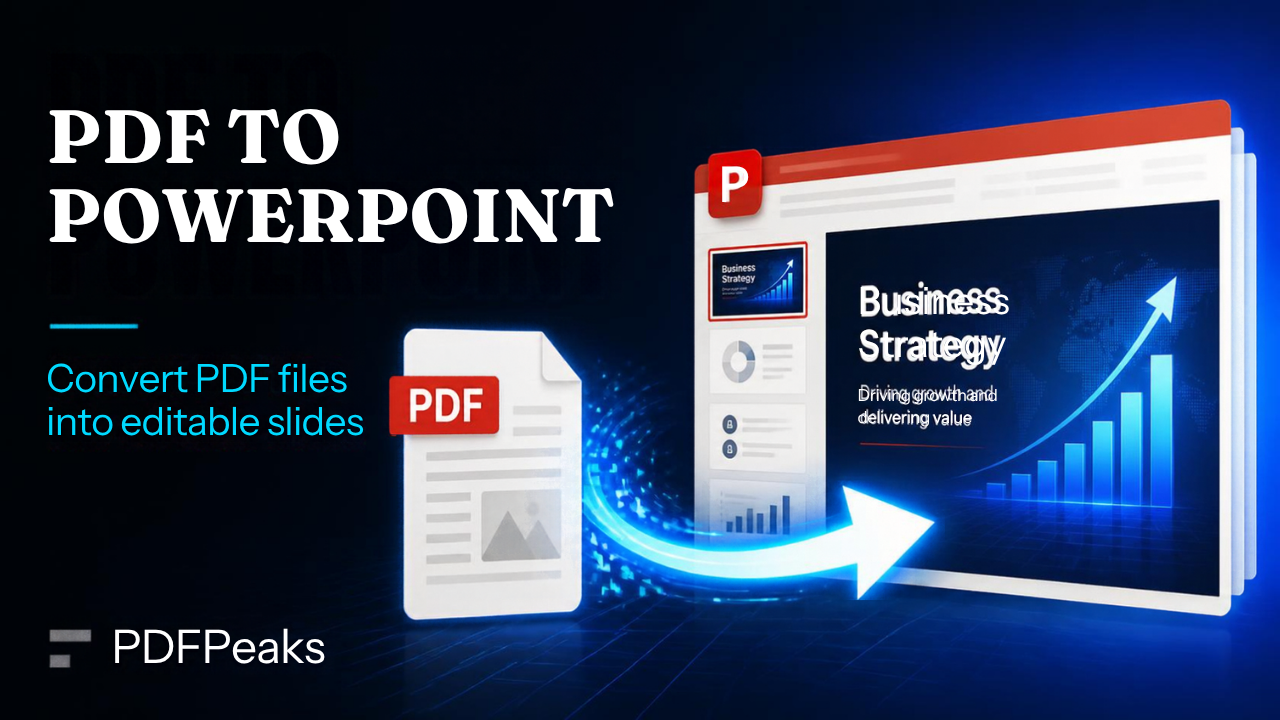
PDF to PowerPoint
Exact visual slides plus editable text you can change, move, or delete
Drop PDF here
or select a file from your device
Supported: .pdf
How It Works
Convert PDF to PowerPoint Online — Complete Guide
Transform PDF slides or pages into an editable PowerPoint presentation (PPTX). PdfPeaks is useful when you only have a PDF export of a deck but need to update bullets, swap images, or reuse slides in a live presentation.
How It Works
Upload the PDF and convert. Each page becomes a slide with editable text boxes (fonts/sizes/colors) plus embedded images. Download PPTX and edit in PowerPoint or Google Slides. Scanned image-only PDFs work best after Make PDF Searchable so a text layer exists.
- Step 1 — Upload: Use digital PDFs for the cleanest editable text.
- Step 2 — Convert: Run conversion; each page maps to one slide.
- Step 3 — Edit: Download PPTX and change, move, or delete text boxes as needed.
Security & Privacy
Files are encrypted in transit and deleted after processing — see our Privacy Policy for details.
Common Use Cases
- Consulting: Revive client PDF decks for new engagements.
- Training: Update course slides originally shared as PDF only.
- Sales: Refresh pricing slides without the original PPTX file.
- Events: Recover speaker decks from archived PDF handouts.
- Education: Adapt lecture PDFs into interactive classroom slides.
Tips for Best Results
Slides with heavy custom graphics may need manual cleanup after conversion. Output: PPTX.