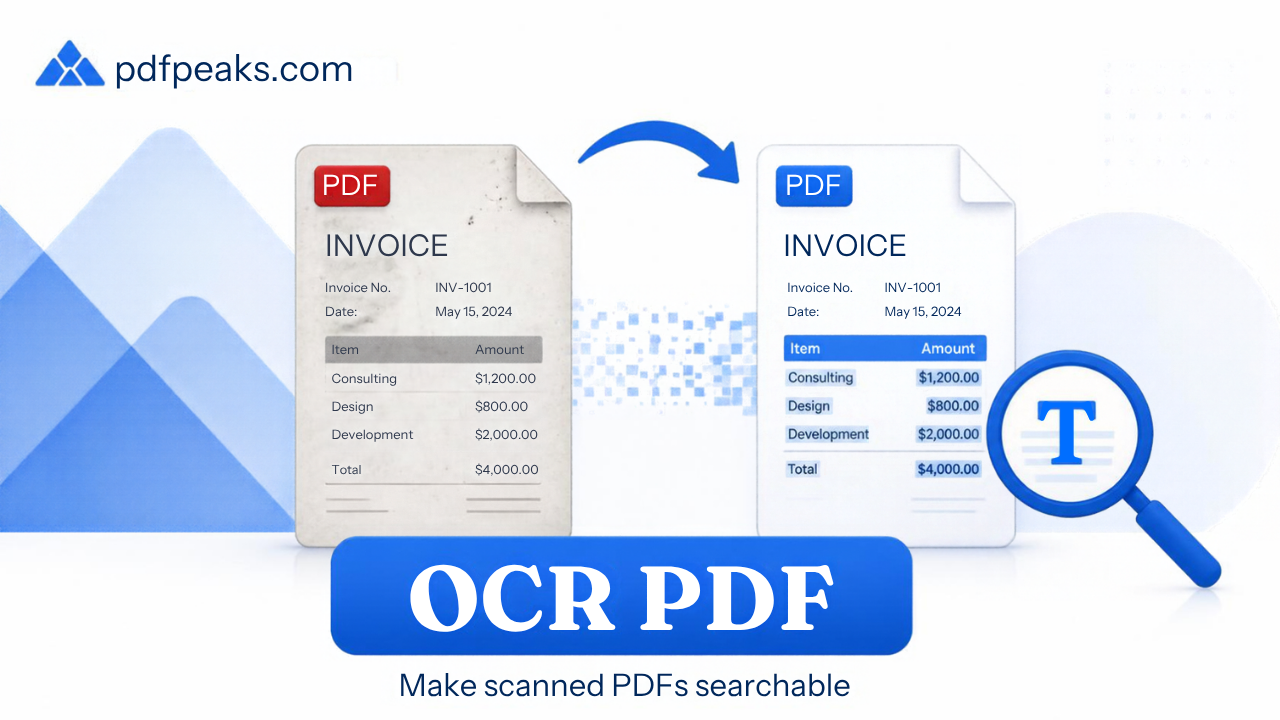
Make PDF Searchable with OCR
Add a text layer so scanned PDFs become easier to search, copy, and index
Drop scanned PDF here
or select a file from your device
Supported: .pdf
Searchable PDF Notes
Make PDF Searchable with OCR Online — Complete Guide
Scanned PDFs look like text but cannot be searched or copied until they have an OCR text layer. People searching for a readable PDF usually mean this: a file you can find words in and copy from. PdfPeaks Make PDF Searchable adds a hidden text layer aligned to each page so you can find words, copy paragraphs, and index archives — without desktop OCR software. Scanned PDFs are pictures until OCR adds a text layer. Use this tool, then read the searchable-PDF guide.
How It Works
Upload a scanned or image-based PDF. The pipeline analyses each page, recognizes characters, and embeds a searchable text layer while keeping the original visual appearance. Download the result and use Ctrl+F / Cmd+F in any standard PDF reader.
- Step 1 — Upload: Add a scanned or image-only PDF (clear, straight pages work best).
- Step 2 — OCR: Processing builds a text layer under the scan for each page.
- Step 3 — Download: Open the searchable PDF and search, select, or copy text.
Security & Privacy
Files are encrypted in transit and deleted after processing — see our Privacy Policy for details.
Common Use Cases
- Research & archives: Find keywords across scanned books and reports.
- Compliance: Make image-only filings selectable for review.
- Accessibility: Improve copy/paste and assistive-tech access to scans.
- Conversion prep: OCR before PDF to Word or Translate PDF.
- Invoice batches: Search vendor names across multi-page scan packs.
Tips for Best Results
Scan at 300 DPI or higher with even lighting for best accuracy. Already have selectable text? The tool preserves it. Need plain text export? Use Extract Text. Compress after OCR, not before. Full walkthrough: make a scanned PDF searchable with OCR. Supported format: PDF (.pdf).