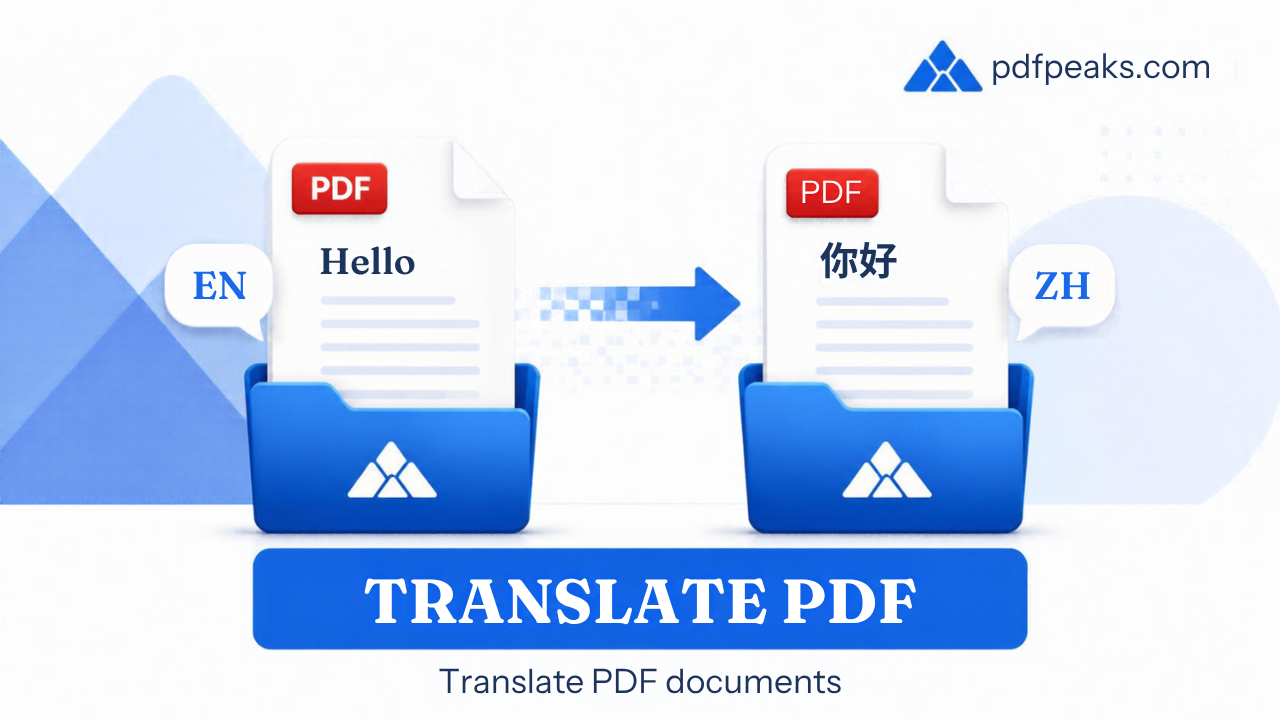
Translate PDF Online
Auto-detects document language · 130+ target languages
Drop your PDF here
or pick a file from your device
Supported: .pdf | Max 100 MB
How It Works
- Upload any text-based PDF
- We auto-detect the document language
- Choose your target language (Urdu supported)
- We translate the text and give you a Word (.docx) that keeps the layout
Languages include
Translate PDF Online (130+ Languages) — Complete Guide
Translate PDF content into 130+ languages while keeping a usable document layout. PdfPeaks helps teams share reports, forms, and manuals with global audiences — Spanish, French, Arabic, Chinese, Hindi, Urdu, and many more — without rebuilding files from scratch.
How It Works
Upload your PDF, confirm source and target languages (auto-detect when available), and run translation. Text-based PDFs translate most accurately; scanned documents should use OCR first. Download the translated PDF and spot-check critical passages.
- Step 1 — Upload: Choose a PDF with extractable text when possible.
- Step 2 — Languages: Pick source and target languages from the list.
- Step 3 — Download: Save the translated PDF and review formatting and names.
Security & Privacy
For this AI job we send extracted text (not the original file) to a third-party provider, then delete it after the job TTL — see our AI tools privacy details.
Common Use Cases
- Global business: Share quarterly reports with regional offices.
- Immigration paperwork: Draft translations of supporting letters (verify officially).
- Education: Offer readings to multilingual classrooms.
- Product support: Localize manuals for new markets.
- Personal: Understand foreign-language letters and forms.
Tips for Best Results
Machine translation can misread idioms, names, and legal terms — use a certified translator for official submissions. After translating, try AI Summarizer for a quick overview. Bilingual walkthrough (Urdu ↔ English): translate a PDF to Urdu or English. Supported format: PDF (.pdf).