
NADRA CNIC renewals, DGIP passport applications, NICOP, and online visa forms ask for a photo that matches a size and background rule — not a casual selfie. Wrong CNIC photo size or Pakistan passport photo dimensions is one of the most common upload rejects.
This guide answers the size question first (mm, cm, inches, and pixels at 300 DPI), then covers why DIY crops fail, how NADRA-style and DGIP-style backgrounds differ, attire tips, common rejections, infants, and how to prepare a photo on PdfPeaks. Figures reflect common guidance and PdfPeaks presets as of 2026 — always re-check the portal before you submit.
CNIC and passport photo size (answer first)
PdfPeaks document presets use 300 DPI by default (selectable in the tool). For 35×45 mm that is about 413×531 px. DPI is a print density setting — some portals only care about millimetres and file KB.
| Document | mm | cm | in (approx.) | px @ 300 DPI | Background (preset) | Typical KB |
|---|---|---|---|---|---|---|
| Pakistan CNIC photo | 35×45 | 3.5×4.5 | 1.38×1.77 | 413×531 | Light blue (#B8D4E8) | ~40–300 |
| Pakistan Passport (DGIP) | 35×45 | 3.5×4.5 | 1.38×1.77 | 413×531 | White | Portal-specific |
| NICOP photo | 35×45 | 3.5×4.5 | 1.38×1.77 | 413×531 | Light blue (same as CNIC) | ~40–300 |
| Pakistan online visa (generic) | 35×45 | 3.5×4.5 | 1.38×1.77 | 413×531 | White · face ~70–80% | Often ≤350 |
CNIC application photo vs ID-1 card copy: the portrait for a CNIC/passport application is usually 35×45 mm. A scan of an existing plastic card for banks/KYC follows the ID-1 card size (~85.6×54 mm). For card copies use ID Card to PDF; for the portrait use Passport Photo Maker or the quick answer page CNIC photo size.
Open CNIC / Passport Photo Maker →
Why DIY crop often fails
Phone gallery crops rarely hit three things portals check together: exact print size, plain background color, and head height (~70–80% of the frame). A selfie on a patterned wall can also blow past KB limits after you pad it. The tool removes the background, applies the document’s color, and lets you pan/zoom into an oval guide before export.
NADRA vs DGIP vs online portals
- NADRA CNIC / NICOP (studio-style): light blue backdrop is common at centers; some online channels still ask for white — confirm your channel.
- DGIP passport: plain white background is the usual requirement for embassy/passport photos at 35×45 mm.
- Online visa uploads: white background, face occupying most of the frame, and a hard max KB (often ~350 KB) are typical — see the official photograph guide linked below.
PdfPeaks encodes these as presets so you are not guessing pixels. We do not claim any portal will accept the file — only that the download matches the size and background you selected.
Attire and appearance (advisory)
Authorities publish their own rules; treat this as a practical checklist and verify on the official pages:
- Neutral expression, mouth closed, eyes open and looking at the camera when possible.
- No sunglasses. Prescription glasses are sometimes allowed if there is no glare — confirm the portal.
- Religious head coverings that leave the face fully visible are often accepted; hats and fashion caps usually are not.
- Avoid uniforms or clothing that looks like an official costume unless the form allows it.
- Even lighting — no harsh shadow across one cheek, no window glare on glasses.
Common rejection reasons
- Wrong size or aspect (not 35×45 mm).
- Busy or wrong-color background.
- Face too small in the frame (or cropped at the chin/forehead).
- Blur, motion, or low resolution after heavy compression.
- Glare on glasses or washed-out lighting.
- File too large or too small for the portal’s KB range.
Infants and children
Newborn and toddler photos are harder: eyes may not stay open, and someone often supports the head. Prefer a plain background, keep other people out of the frame, support the head from behind if needed, and re-check the portal’s infant rules. The PdfPeaks oval is still a framing aid — you control the final crop.
How to make the photo on PdfPeaks
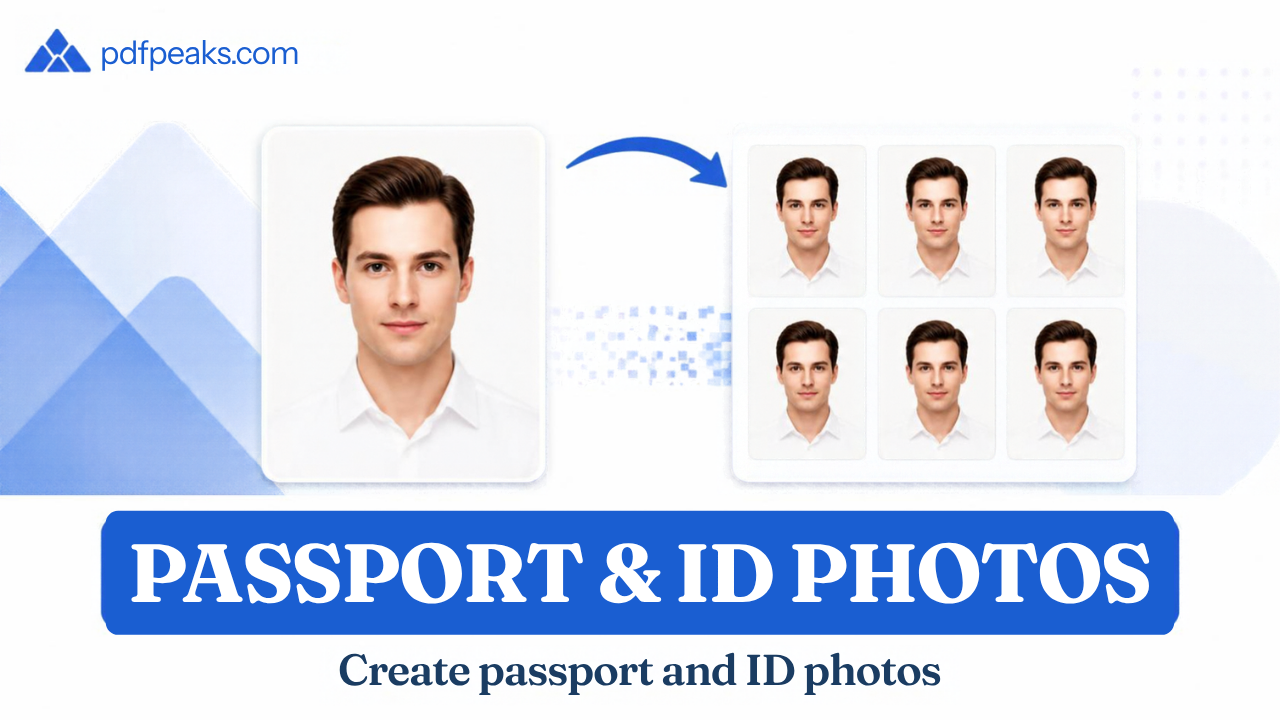
- Open ID / Passport Photo Maker and choose CNIC, Passport, NICOP, or online visa (or start from CNIC size).
- Upload a portrait or use the camera — plain wall and even light help.
- Pan and zoom so the head sits in the oval; drag the oval to fine-tune; confirm crop.
- Download the JPG. Use max-KB chips if your portal has a limit, or Compress Image gently.
Busy backgrounds: Remove Background first, or let the passport tool’s cutout run. For a bank/KYC PDF of an existing card, use ID Card to PDF.
Official sources
- NADRA — national ID / registration channels
- Directorate General of Immigration & Passports (DGIP) — passport guidance
- NADRA online visa photograph guide — size, white background, face coverage, upload limits
Figures reflect common guidance and PdfPeaks presets as of 2026; re-check the portal before you submit.
FAQ — CNIC and passport photo size
What is the CNIC photo size in mm and pixels?
Common print size is 35×45 mm (3.5×4.5 cm ≈ 1.38×1.77 in). In PdfPeaks at the default 300 DPI that is about 413×531 pixels. You can raise DPI in the tool if a form asks for denser print pixels — confirm any digital-only size your portal lists.
Is Pakistan passport photo the same size as CNIC?
Print size is typically the same 35×45 mm, but passport photos usually require a white background, while CNIC studio photos often use light blue.
Blue vs white background — which do I need?
CNIC/NICOP center-style photos often use light blue; DGIP passport and many visa uploads want white. Pick the matching preset, then confirm the form you will use.
Can I wear glasses or a hijab?
Religious head coverings that leave the face clear are commonly allowed; sunglasses are not. Glasses rules vary (glare is the usual problem). Follow the official photograph guide for your application.
How do I photograph a newborn for CNIC or passport?
Use a plain background, keep other people out of frame, support the head from behind if needed, and try for open eyes when the portal asks for it. Confirm infant-specific rules on the official site.
What if my upload is rejected for file size?
Use the tool’s max-KB options, or compress slightly while keeping the face sharp. Stay within the min/max KB range the portal publishes.
Will PdfPeaks make my photo accepted by NADRA or DGIP?
No online tool can promise acceptance — portals and centers update rules. PdfPeaks helps you hit common millimetre sizes, backgrounds, and KB targets encoded in our presets. Cross-check the official NADRA / DGIP / visa photograph pages linked above before you submit.
Create your CNIC or passport photo → · Related: remove background · ID card to PDF · CNIC size cheat sheet
No comments yet. Start the discussion.