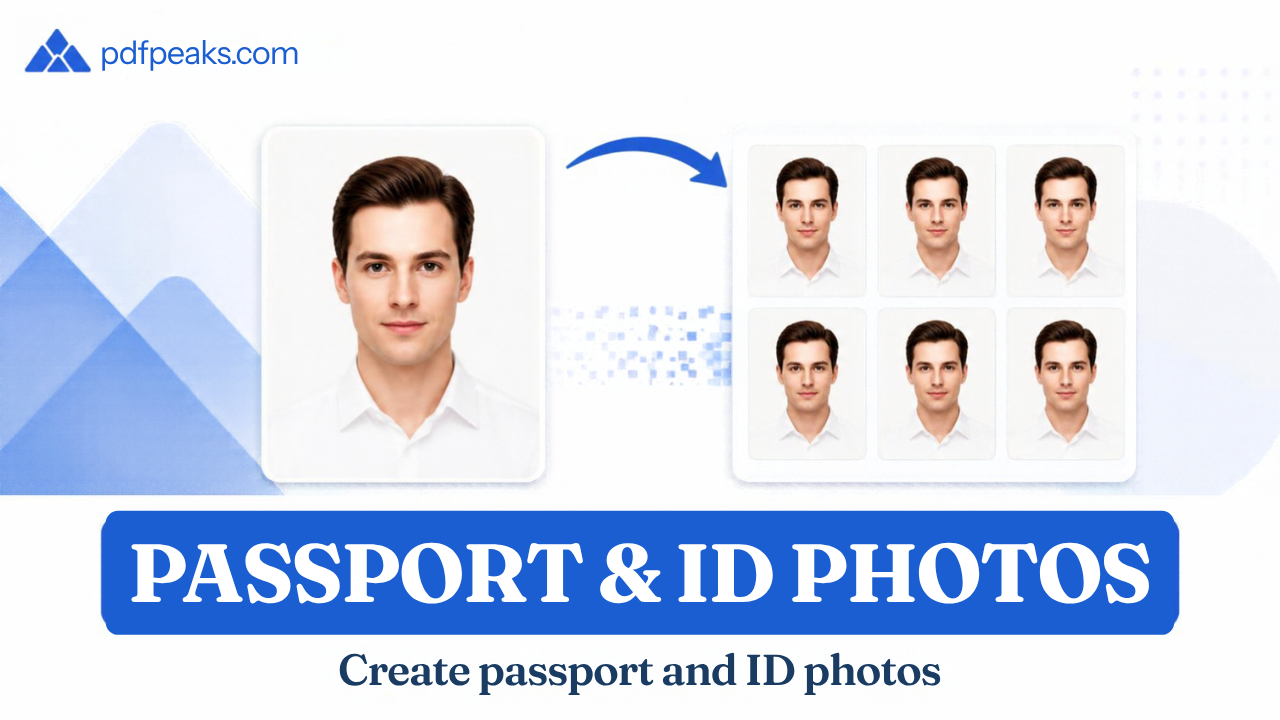
There is no single passport photo size used worldwide. The United States uses a 2 × 2 inch square, the United Kingdom uses 35 × 45 mm, and Canada uses 50 × 70 mm. A photo that is correct for one country can be rejected by another.
Size is only part of it. Authorities also set rules for head height, background, print quality, file size and whether editing is allowed. This guide covers all of these in millimeters, centimeters, inches and pixels, and shows how to prepare a photo online where the authority permits it.
Last updated: October 2026. Photo rules change, so always confirm the current requirements with the official source linked for your country.
Looking for Pakistan's ID card size? See the CNIC size and photo guide.
Passport Photo Size by Country
| CountryPhoto sizeInches (approx.)Head height, chin to crownBackground | ||||
| United States | 51 × 51 mm | 2 × 2 in | 25–35 mm | White or off-white |
| United Kingdom | 35 × 45 mm | 1.38 × 1.77 in | 29–34 mm | Cream or light grey |
| Canada | 50 × 70 mm | 2 × 2¾ in | 31–36 mm | Plain white or light |
| Australia | 35–40 × 45–50 mm | 1.38–1.57 × 1.77–1.97 in | 32–36 mm | Plain white or grey |
| India | 51 × 51 mm | 2 × 2 in | Face 70–80% of photo | Plain light |
| Pakistan (DGI&P visa) | 35 × 45 mm | 1.38 × 1.77 in | See DGI&P instructions | White |
| Schengen / most EU | 35 × 45 mm | 1.38 × 1.77 in | About 32–36 mm | Plain light |
Sizes are shown as width × height. Schengen and EU rules are set by each country's own authority, so confirm with the embassy or consulate handling your application.
United States
A US passport photo is 2 × 2 inches (51 × 51 mm). The head, from the bottom of the chin to the top of the head, must measure between 1 and 1⅜ inches (25–35 mm). The background should be white or off-white.
The State Department also says not to alter your photo with software, apps, filters or AI. For online visa applications, the digital photo is a square JPEG between 600 × 600 and 1200 × 1200 pixels with a file size limit, so it differs from the printed passport photo.
Official source: travel.state.gov passport photos.
United Kingdom
UK passport photos are 45 mm high by 35 mm wide. The image from the crown of the head to the chin must be 29–34 mm. The background should be plain cream or light grey, not white, and the photo must have been taken within the last month.
You can apply online with a digital photo, and the GOV.UK system checks it when you upload. Printed photos must be professionally printed and cannot be cut down from a larger picture.
Official source: GOV.UK passport photo rules.
Canada
Canadian passport photos are 50 mm wide by 70 mm high (2 × 2¾ inches), noticeably larger than the common 35 × 45 mm format. The face must measure 31–36 mm from chin to crown. Printed photos are expected to come from a commercial photographer or photo studio, and a digital photo is needed if you renew online.
Official source: Canada.ca passport photo requirements.
Australia
Australia gives a range instead of one size: 35–40 mm wide by 45–50 mm high, with the face measuring 32–36 mm. The background must be plain white or grey and evenly lit.
Australian guidance is strict about editing: no retouching, no filters, and no removal or replacement of the background. Printed photos must be professionally printed on heavy glossy paper. Because of these rules, an online photo editor is not a good fit for Australian passport photos.
Official source: Australian Passport Office.
India
Several Indian missions list the passport photo as 2 × 2 inches (51 × 51 mm) in color, with the face covering about 70–80% of the photo and a plain light background. Indian passport workflows have also changed over time, and when you apply online the photo is often captured at the Passport Seva Kendra. Check the current instructions for your exact application before preparing a photo.
Official source: Passport Seva.
Pakistan
The Directorate General of Immigration & Passports currently specifies a photograph of 45 mm high by 35 mm wide with a white background in its visa application instructions. Pakistan has separate workflows for passports, visas and identity cards, so confirm which one you are applying for. For CNIC size and photo details, read the CNIC size and photo guide.
Passport Photo Size in Inches, CM and Pixels
Pixels depend on resolution. The same physical photo has more pixels at a higher DPI.
| Photo sizeCentimetersInches300 DPI600 DPI | ||||
| 35 × 45 mm | 3.5 × 4.5 cm | 1.38 × 1.77 in | 413 × 531 px | 827 × 1063 px |
| 50 × 70 mm | 5 × 7 cm | 1.97 × 2.76 in | 591 × 827 px | 1181 × 1654 px |
| 51 × 51 mm (2 × 2 in) | 5.1 × 5.1 cm | 2 × 2 in | 600 × 600 px | 1200 × 1200 px |
These are mathematical conversions, not official upload sizes. When a portal gives its own pixel range or file-size limit, follow the portal.
Printed Photo vs Digital Upload
For a printed photo, what matters is the physical size, print quality, paper and printer scaling. When you print at home, choose 100% or Actual Size and turn off Fit to Page, then measure a test print. Some countries, including Canada and Australia, expect professionally printed photos, so home printing may not be accepted.
For a digital upload, what matters is pixel dimensions, file format (usually JPG), file-size limit, background and sharpness. A photo can be exactly the right size and still be rejected because the file is too large or the head is too small.
Head Size and Framing
Many rejected photos have the correct outer size but the wrong head size. Each country sets a range for chin-to-crown height, as shown in the table above. Resizing or cropping a photo to 35 × 45 mm does not guarantee the head falls inside that range, so check framing as well as dimensions.
Can You Use an Online Passport Photo Maker?
It depends on the authority. Some accept digital photos for online applications. Others require professionally printed photos or prohibit editing. Remember:
- The US says not to alter photos with software, filters or AI.
- Australia does not allow background removal or replacement.
- Canada expects printed photos from a commercial photographer.
- No tool can guarantee acceptance, because only the receiving authority decides.
An online maker is most useful for ID photos, visa uploads, forms and other applications that allow a digitally prepared image. Always read the official rules first.
How to Prepare a Passport or ID Photo Online
Where digital preparation is allowed, you can use the PdfPeaks Passport & ID Photo Maker:
- Open the tool and choose a preset or enter the size your application requires.
- Upload a clear portrait taken in even light, facing the camera, with no shadows on the face.
- Frame your head using the guide so the top of the head and chin sit correctly.
- Check the background matches the requirement for your country.
- Download the JPG and inspect it at full size before submitting.
If the file is over an upload limit, use Compress Image and check the face is still sharp. If the application allows background changes, Remove Background can help. To turn an existing ID card into a printable PDF, use ID Card to PDF.
Common Passport Photo Rejection Reasons
- Wrong photo dimensions or the wrong country format
- Head too large or too small for the required range
- Wrong background color, or shadows on the background
- Face not centered, tilted, or not looking straight at the camera
- Glare on glasses, shadows on the face, or uneven lighting
- Blurry, low-resolution or heavily compressed image
- File too large, or the wrong file format
- Digital editing, filters or retouching where they are prohibited
- Photo older than the allowed age (for example, one month in the UK)
Final Checklist
Before you submit, confirm that the country and application are right, the size and head height match, the background is correct, the image is sharp, the file type and size are accepted, any editing rules are respected, and you compared the final photo with the latest official instructions.
No comments yet. Start the discussion.