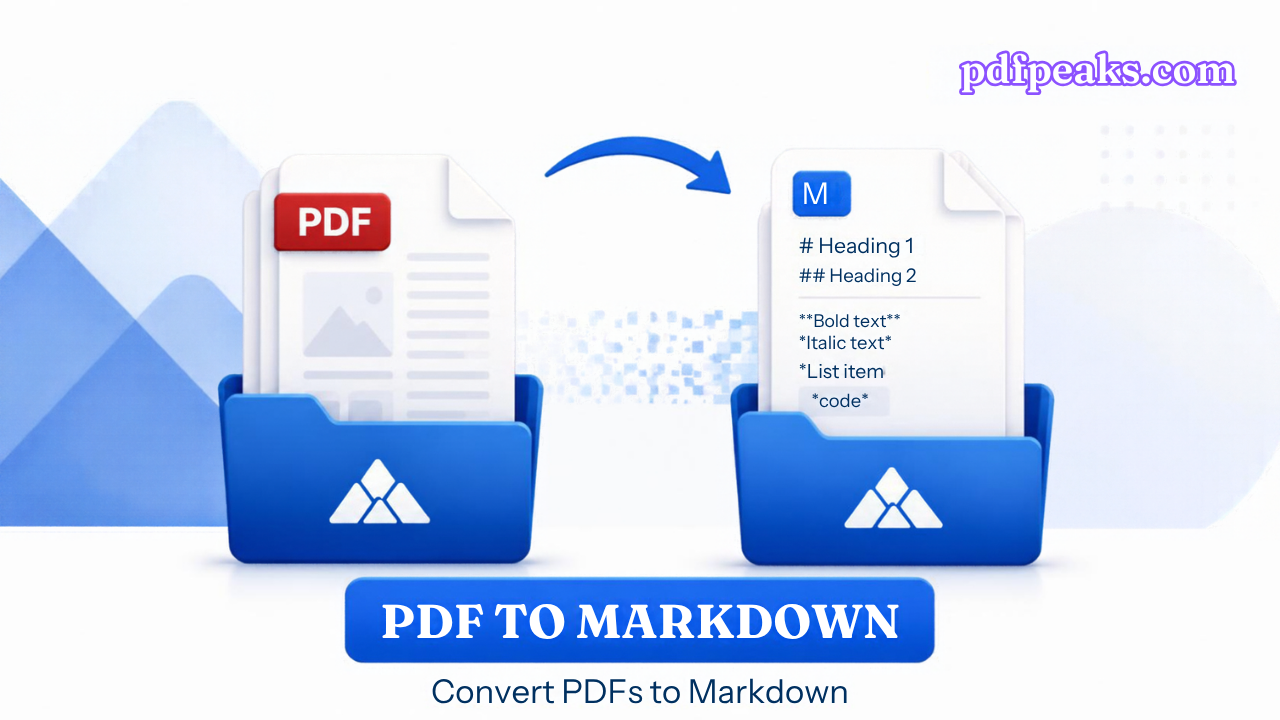
PDF to Markdown
Turn PDF text into a clean .md file for notes, docs, and LLMs
Drop PDF here
or select a file from your device
Supported: .pdf
-
-
Loading...
Converting to Markdown...
PDF to Markdown Online — Complete Guide
Convert PDF text into Markdown (.md) for notes, documentation, and LLM workflows. PdfPeaks keeps page structure and light heading heuristics so the export is ready to paste into editors or RAG pipelines.
How It Works
Upload a digital PDF (or enable OCR for scans), convert, preview the Markdown, then download the .md file.
- Step 1 — Upload: Choose a PDF with selectable text, or check Run OCR for scans.
- Step 2 — Convert: Text is structured into Markdown with page sections.
- Step 3 — Download: Save the .md file for docs, Git, or AI tools.
Security & Privacy
Files are encrypted in transit and deleted after processing — see our Privacy Policy for details.
Common Use Cases
- Notes & wikis: Move PDF content into Markdown editors.
- LLM / RAG: Feed cleaner text than raw PDF binaries.
- Developers: Keep docs next to code as .md.
- Research: Export readable pages without Word formatting noise.
- Scans: Use OCR first when text is not selectable.
Tips for Best Results
For page screenshots use PDF to JPG. For plain text only use Extract Text. Output: Markdown (.md).
Frequently Asked Questions
A .md file with page sections and light heading heuristics from the PDF text layer.
Enable Run OCR first, or use Make PDF Searchable before converting.
Yes for standard use.
No. Markdown is text-first — complex multi-column layouts may need cleanup.
Use Extract Text for plain .txt; use Markdown when you want headings and doc-friendly structure.