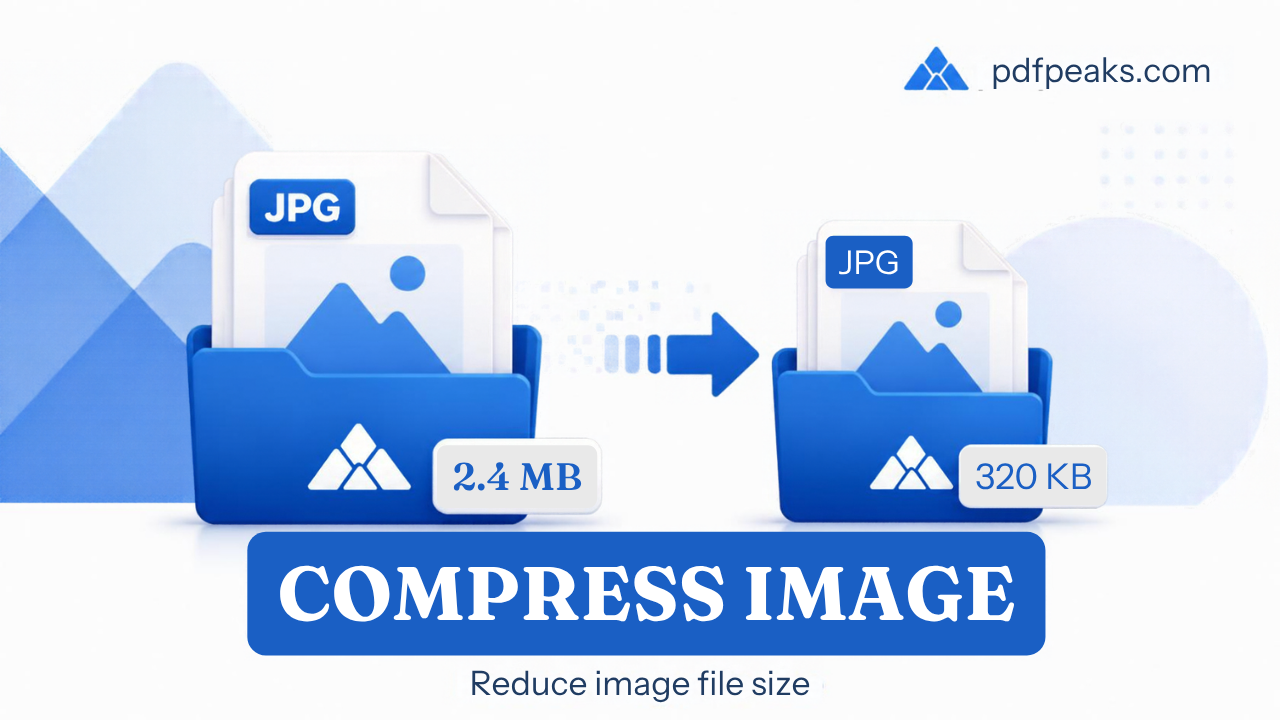
Compress Image
Reduce image file size while keeping great visual quality
Drop your image here
or
No image selected
Upload an image to preview and compress
Compress Image Online — Complete Guide
Reduce image file size for faster websites, emails, and app uploads while keeping acceptable visual quality. PdfPeaks lets you tune compression presets from maximum quality to aggressive savings.
How It Works
Upload an image, pick a quality preset or slider, and compress. Compare original vs output size on screen, then download the lighter file. Ideal before attaching photos to tickets or publishing blog posts.
- Step 1 — Upload: Select JPG, PNG, or other supported image.
- Step 2 — Quality: Choose preset — start with High for photos.
- Step 3 — Download: Save the compressed image.
Security & Privacy
Files are encrypted in transit and deleted after processing — see our Privacy Policy for details.
Common Use Cases
- Blogs: Improve page load and Core Web Vitals.
- Support tickets: Attach screenshots under size limits.
- Mobile apps: Shrink user-generated content uploads.
- E-commerce: Batch-optimize catalog photos.
- Storage: Reduce cloud backup usage.
Tips for Best Results
PNG with transparency may need higher quality settings than JPG photos. Convert format with Convert Format if needed. For PDF output, see how to compress images without losing quality.