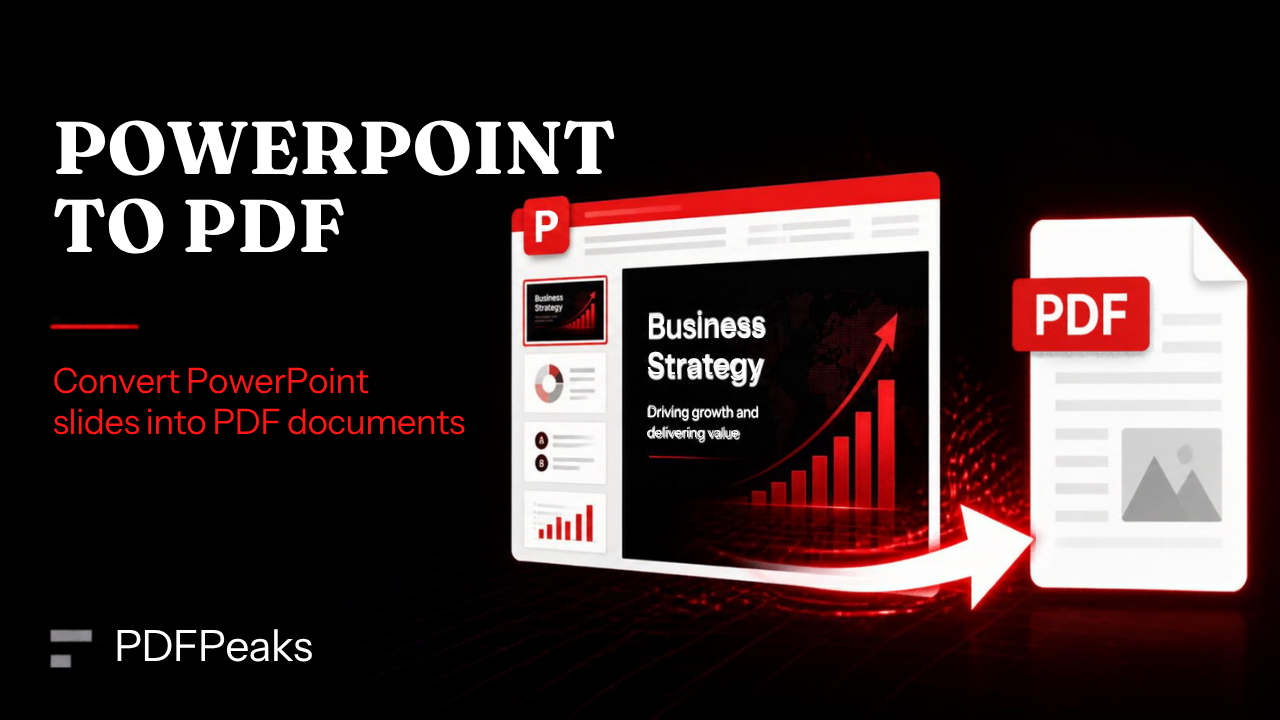
PowerPoint to PDF
Convert presentations to reliable, print-friendly PDF output
Drop PPT/PPTX here
or select presentation file
Supported: .ppt, .pptx
-
-
Output: searchable PDF when source text is embedded in slides.
Loading...
Converting PowerPoint to PDF...
Conversion Notes
Fonts and slide design are preserved using LibreOffice conversion.
For best results, embed fonts in source presentation.
Complex animations are not rendered in PDF output.
Convert PowerPoint to PDF Online — Complete Guide
Export presentations to PDF for emailing, printing, and submission portals. PdfPeaks converts PPT and PPTX files into PDF so fonts, slide dimensions, and embedded media appear consistently outside PowerPoint.
How It Works
Upload your deck, run conversion, and download PDF. Each slide becomes a PDF page unless your file uses custom slide sizes — those are preserved where supported. Share the PDF with audiences who only need view access.
- Step 1 — Upload: Select .ppt or .pptx.
- Step 2 — Convert: Wait for large multimedia decks to finish processing.
- Step 3 — Publish: Download and distribute the PDF handout.
Security & Privacy
Files are encrypted in transit and deleted after processing — see our Privacy Policy for details.
Common Use Cases
- Conferences: Submit speaker slides to organizers requiring PDF.
- Clients: Send proposal decks that cannot be edited.
- Print: Produce handouts with fixed slide layouts.
- LMS: Upload course slides to learning systems.
- Archival: Store final presentations in a stable format.
Tips for Best Results
Compress the PDF afterward with Compress PDF if the deck embeds large images. Input: PPT/PPTX · Output: PDF.
Frequently Asked Questions
The visual slide is what we convert. Notes are not a separate handout unless you already exported them in PowerPoint.
No. PDF is a static snapshot of each slide’s look, which is what most reviewers and printers want.
Presentations up to 100 MB.
Yes for standard use.