How to Edit a PDF Online for Free (Text, Forms, Images and Scans)
Quick answer: To edit a PDF online for free, open the PdfPeaks PDF editor, upload your file, click the text you want to change (or pick Add Text, Insert Image, Form Fill or an annotation tool), then save and download the new PDF. It runs in a normal browser on Windows, Mac, Android and iPhone, so you do not need Adobe Acrobat.
You get a PDF with a typo in it. A wrong phone number, last year's date, a name spelled badly. The Word file it came from is long gone, so the "quick fix" turns into twenty minutes of searching for software you will use once.
I'd rather skip that. A browser-based editor handles most of these jobs in a couple of minutes, and PdfPeaks Edit PDF was built for exactly this kind of small, annoying correction. This guide covers what it can do, how to use each tool, and where PDF editing still goes wrong, because it does.
Edit a PDF online for free with PdfPeaks
What "Editing a PDF" Actually Means
People use the phrase for four quite different jobs, and the right tool depends on which one you have:
- Changing text that is already there, such as a name, date, address or sentence.
- Adding something new, such as a reference number, a logo, a note or a typed answer on a blank line.
- Marking up, which means highlighting, drawing arrows or adding shapes for a reviewer without touching the original wording.
- Cleaning up pages, which covers cropping scanner borders, running OCR on a scan or replacing a repeated word.
A PDF viewer only opens and prints. An editor does the four jobs above. If you searched "edit PDF online free" and landed on a page that only lets you read the file, that is a viewer.
How to Edit a PDF Online in 5 Steps
- Keep a copy of the original. Duplicate the file before you start. If an edit wrecks the layout, you have somewhere to go back to.
- Upload the PDF to the PdfPeaks editor.
- Pick the right tool for the job: click existing text, Add Text, Insert Image, Form Fill, annotations, Erase, Crop, OCR or Find & Replace.
- Make the change and look at the page around it. Zoom in. Spacing problems hide at 100%.
- Download the result and open it again outside the editor. Check every page, not only the one you changed.
That last step matters more than it sounds. The editing screen can look perfect while the saved file has a line wrapping somewhere odd.
How to Edit Existing Text in a PDF
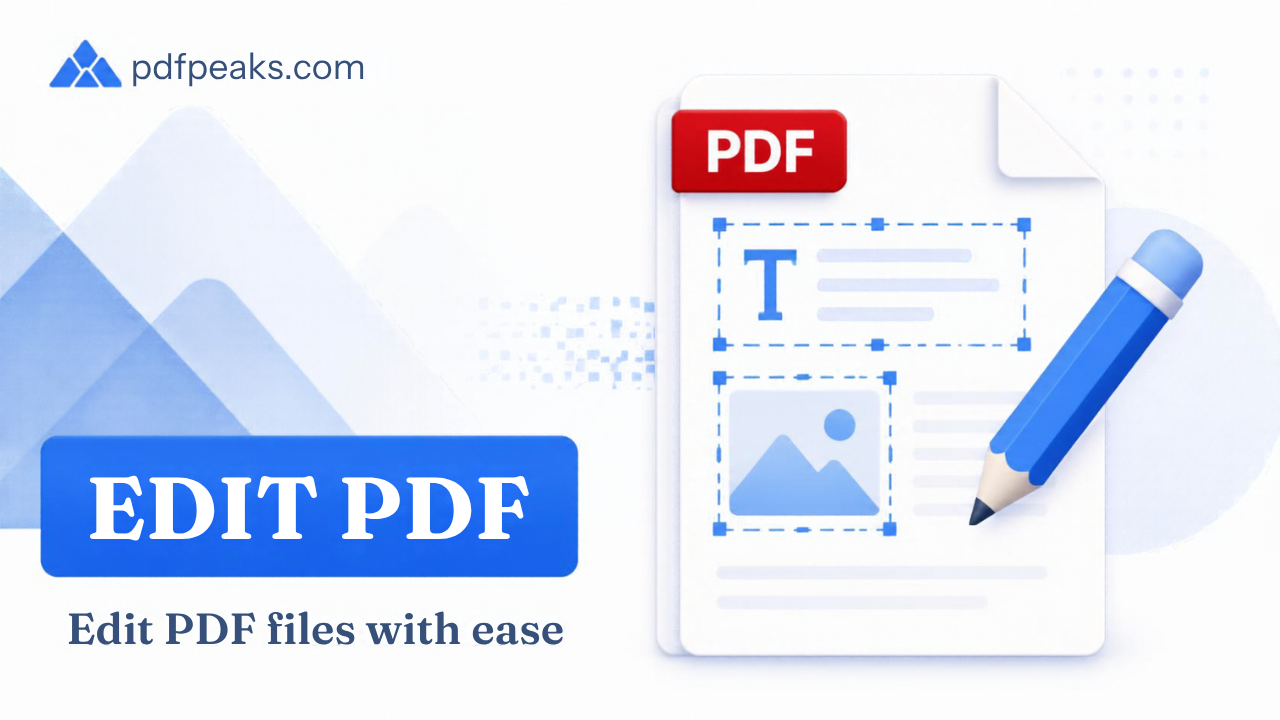
Stay in Select mode and click a paragraph. For supported text, the editor treats the paragraph as one block, so when you add or delete words the paragraph reflows. It does not paste a white box over the old text and type on top, which is what cheaper tools do and why their results look patched.
This works well for:
- correcting a spelling mistake
- changing a name, date or phone number
- replacing an old address
- rewriting a sentence or a short description
If you have tried to change a line in a PDF by typing over it, you know the pain. Paragraph editing is much closer to using Word, and for a short correction it is noticeably faster.
Be realistic about complex pages, though. Tables, multi-column layouts, brochures and heavily designed documents have text tied to fixed positions. Edit one small thing, then check the neighbours before you carry on.
How to Add Text to a PDF
Editing existing text and adding new text are different actions. Use Add Text when you want to place new content without touching what is already on the page: click where it should go, type, then adjust the position and formatting.
It is the right choice for dates, reference numbers, short notes, labels, contact details and typing into a blank area. It also works on scanned pages, where there is no real text to edit.
How to Fill Out a PDF Form Online
A lot of people searching for a PDF editor really want a form filler. Applications, HR paperwork, school forms and contracts with blank lines all fall here.
If the document is mostly boxes and checkmarks, try the dedicated Fill PDF Forms tool, which places text, checkboxes and dropdown fields on the page. If the form is just a normal PDF with lines to write on, Add Text in the editor does the job. Either way it saves you the print, handwrite, scan, email routine.
How to Add an Image to a PDF
Use Insert Image to place a logo, a photograph, a diagram, a stamp or an image of your signature, then drag it into position and resize it. Check it page by page. A logo that sits nicely on page one can collide with a footer on page three.
For a proper signing workflow, Sign PDF is the better stop. If your starting point is a pile of photos, Image to PDF turns them into a PDF first.
How to Highlight, Draw and Annotate a PDF
Annotations mark a document without rewriting it: highlights, shapes, arrows, freehand drawing and short notes. Students use them on lecture slides, managers use them on drafts, and anyone reviewing a contract uses them to say "look here."
One thing to keep straight: an annotation is a comment layered on the page, while an edit changes the content itself. If the final version goes to someone else, decide which one you actually meant.
How to Edit a Scanned PDF with OCR
A scanned PDF is usually just a photograph of a page. Clicking on a word does nothing, because there are no characters to select. OCR (optical character recognition) reads the image and produces real text.
PdfPeaks can extract text from scanned pages. If you only want to copy the words out, use Extract Text from PDF. If you want the same scan to become searchable, use Make Scanned PDF Searchable.
OCR is good, not perfect. A crisp scan with dark text on white paper comes out well. A faded photocopy or a skewed phone photo does not. Proofread anything where one wrong character changes the meaning:
- names and addresses
- dates and amounts
- CNIC, account, invoice and reference numbers
I have seen a 6 turn into an 8 and nobody noticed until the bank did.
How to Find and Replace Text in a PDF
When the same word appears on a dozen pages, fixing it by hand is a waste of an afternoon. Find & Replace searches the document and swaps every match. It suits an old company name, a previous address, a project code or a word you misspelled throughout.
After replacing, look at the pages it touched. Swapping a short word for a long phrase changes line lengths, and a table cell that fit before might not now.
Erase, Crop and Rotate
Erase removes a visible element, which is fine for tidying up. It is not redaction. If a file contains a CNIC number, bank account, medical detail or salary figure that must not be seen, covering it with a box is not enough, so use a proper Redact PDF workflow and check the result.
Crop trims margins and scanner borders, and the editor includes it. For a focused job, the dedicated Crop PDF tool is simpler. Cropping hides the edge of a page. It does not guarantee the removed area is gone for good.
Rotate fixes sideways pages, which is common when scans come from different devices. Use Rotate PDF.
Which PdfPeaks Tool Should You Use?
| Your goalBest tool | |
| Change a name, date or sentence | Edit PDF (click the text) |
| Type a note or number onto a page | Edit PDF (Add Text) |
| Complete a form with boxes and checkboxes | Fill PDF Forms |
| Make a scan searchable | Make Scanned PDF Searchable |
| Pull the text out of a scan | Extract Text from PDF |
| Permanently hide sensitive data | Redact PDF |
| Shrink the finished file | Compress PDF |
Online Editor vs Desktop Software vs PDF Viewer
| PDF viewerDesktop editor (e.g. Acrobat)PdfPeaks online editor | |||
| Read and print | Yes | Yes | Yes |
| Change existing text | No | Yes | Yes, for supported text |
| Add text, images, forms | Limited | Yes | Yes |
| Install required | Usually | Yes | No, runs in a browser |
| Works on a phone or a shared PC | Sometimes | Rarely | Yes |
| Best for | Reading | Heavy, complex layouts | Quick everyday fixes |
For a one-off correction, a form or a few annotations, the online route usually wins on speed. For a 200-page brochure with layered graphics, a desktop editor is still the safer pick, and I won't pretend otherwise.
Editing a PDF on Your Phone
It works in a modern mobile browser, which helps when a document arrives on WhatsApp or email and needs a fix before you can reply. Zoom in before placing text, since fingertips are less precise than a mouse. Save the bigger, fiddly jobs for a laptop.
Why Edited Text Sometimes Looks Different
If the original PDF does not embed its font, the editor substitutes a similar one. That is why a changed word can look a touch off in weight or width. Compare font, size, spacing and alignment against the original before you send anything formal.
Check the PDF Before You Share It
Open the downloaded file, not the editor view, and check:
- names, dates and numbers
- page count and orientation
- images, signatures and links
- tables and line wrapping
- anything sensitive you meant to remove (search the file for it)
If the PDF is now too big for an email or a portal, finish editing first, then run Compress PDF. Compressing a file you are still changing just means doing it twice.
Is It Safe to Upload a PDF to an Online Editor?
It depends on the document. For a flyer, fine. For anything with ID numbers, salaries, medical details or account information, read the service's privacy information first, keep your original, and delete stray copies from shared computers. And only edit documents you have permission to change. Editing your own form is routine. Altering an official record is not something a tool should help with, and your organisation's document rules still apply.
Edit Your PDF Now
You rarely need the original source file. For most corrections, a few added details or a filled form, one browser tab is enough: upload, change, check, download.
Open the PdfPeaks Free PDF Editor
Need a different step next? Browse the full PdfPeaks tools collection.
No comments yet. Start the discussion.