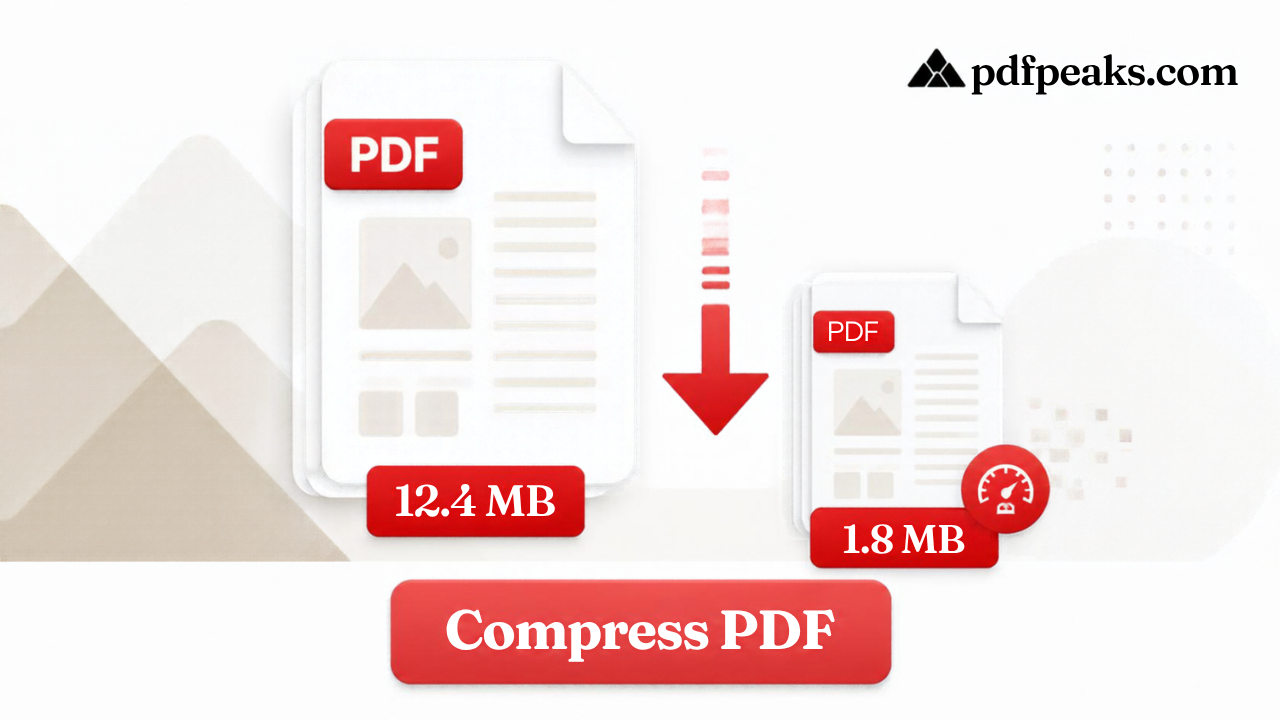
Compress PDF Online — 100KB or 200KB
Reduce file size by quality level, or compress to a specific size like 100KB or 200KB
Drop PDF here
or select a file from your device
Supported: .pdf · guests up to 100 MB
We'll aim for your target while keeping the document readable. Scanned image-heavy PDFs may not always reach very small limits.
Compression Notes
Compress PDF Online Free — 100KB or 200KB
Large PDFs fail government portals, job applications, and college uploads. PdfPeaks compresses PDF files in your browser by quality level or to a target size such as 100KB or 200KB — keeping text readable while shrinking scans, reports, and presentations for email and cloud sync. Need a Pakistan CNIC, NICOP, or passport photo? Crop to the official size here, then read the photo-size guide.
How It Works
Upload your PDF, then either pick a quality level (low, balanced, or high) or switch to "Compress to a specific size" and choose 100KB, 200KB, 500KB, 1MB, or a custom KB target. The tool analyses images, fonts, and embedded objects. Rerun with a different target if the first pass is still too large.
- Step 1 — Upload: Drag and drop or browse to select your PDF (up to 100 MB).
- Step 2 — Choose mode: Quality levels for everyday sharing, or a 100KB / 200KB target for strict portal caps.
- Step 3 — Download: Compare file size on the results screen and save the compressed PDF.
Security & Privacy
Files are encrypted in transit and deleted after processing — see our Privacy Policy for details.
Common Use Cases
- Portal uploads: Hit common 100KB and 200KB caps for government, jobs, and admissions.
- Email attachments: Meet provider size limits without stripping pages.
- Web publishing: Speed up downloads for brochures and product sheets.
- Mobile sharing: Send lighter files over messaging apps.
- Archives: Reduce cloud storage for scan libraries.
Tips for Best Results
Aggressive targets can soften scanned images — preview before sending to clients. Deep-link /pdf/compress?target=200 opens 200KB mode. Merge sources first with Merge PDF. Guide: compress a PDF without losing quality. Supported format: PDF (.pdf).