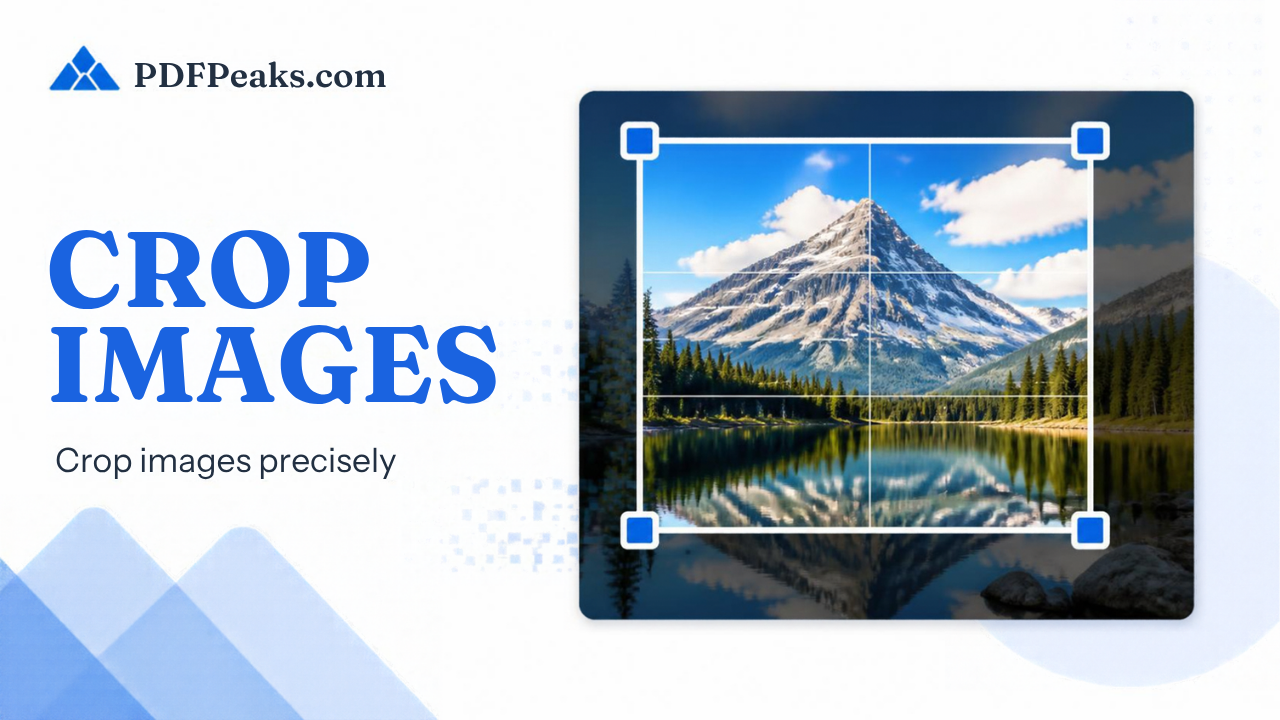
Crop Image
Remove unwanted areas from your images
Drop your image here
or
Crop Options
Preview
No image selected
Upload an image to see the preview and crop options
Crop Image Online — Complete Guide
Trim unwanted edges and focus on the subject area without installing an editor. PdfPeaks Crop Image is for deliberate framing: profile headshots, product white-space cleanup, screenshot callouts, and document scans that still include desk clutter or shadows. Drag handles on the live preview, lock an aspect ratio when a platform demands a square or 4:5 frame, and download only the pixels you intend to keep. Cropping is not the same as resizing — crop removes content outside the box; resize changes how large those remaining pixels are displayed. Use this page when composition is wrong; switch to Resize Image when the composition is fine but the pixel dimensions are not.
How It Works
Upload the image, drag crop handles on the preview (optionally lock ratio), and apply. Download the cropped result. If the photo is sideways, fix orientation with Rotate Image first so the crop box matches how the subject should appear.
- Step 1 — Upload: Add the photo, screenshot, or scan.
- Step 2 — Crop: Select the visible region to keep; use aspect locks for platform frames.
- Step 3 — Download: Save the trimmed image and spot-check edges.
Security & Privacy
Files are encrypted in transit and deleted after processing — see our Privacy Policy for details.
Common Use Cases
- Profile photos: Center faces for avatars and ID-style submissions.
- Product listings: Remove background clutter before storefront upload.
- Scans: Cut to document edges before OCR or Image to PDF.
- Design: Extract detail regions from screenshots for docs or tickets.
- Social: Fit square or story crops without stretching the subject.
Tips for Best Results
Need an exact pixel canvas after cropping? Continue with Resize Image. Formats: common raster images.