
Free CV maker and resume maker that lets you finish in one sitting
You open a CV builder, spend twenty minutes on it, press download, and get asked for a credit card. Most people have been there at least once. This CV maker works the other way round: you type your details, watch the page take shape on the right, and download a clean PDF at the end. No watermark across the middle, no account, no trial that quietly becomes a subscription.
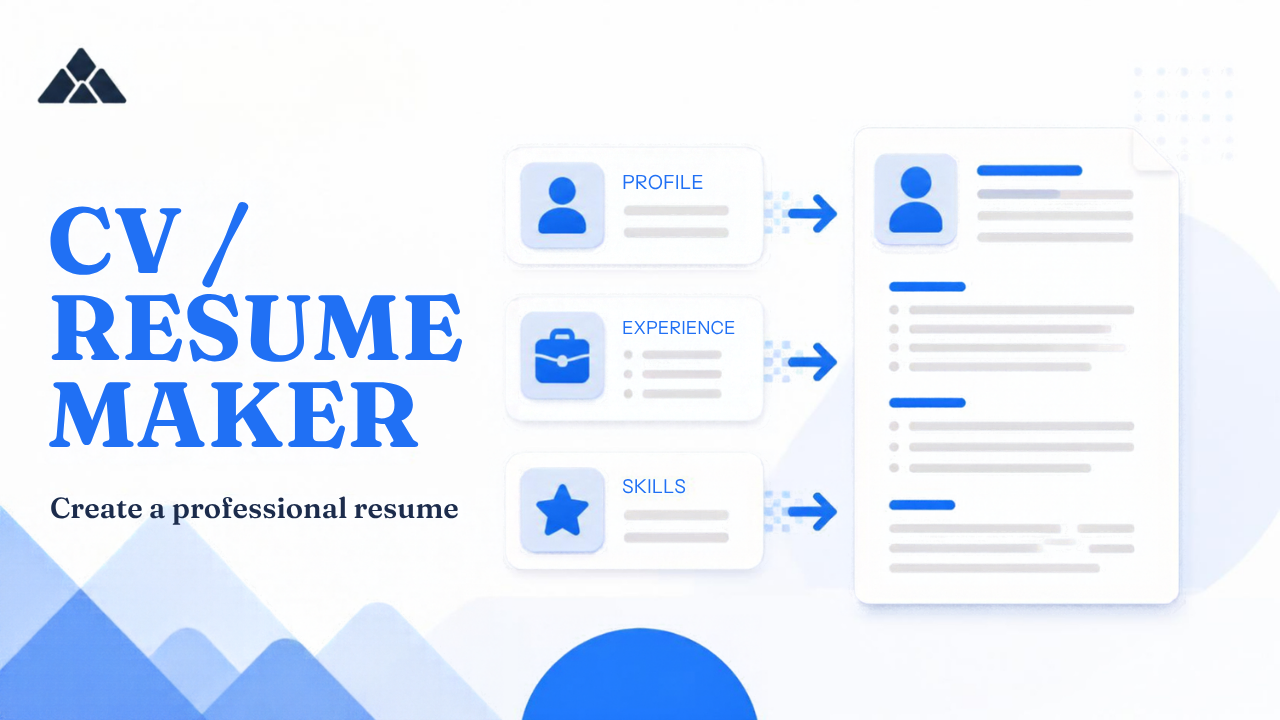
PdfPeaks is a free resume maker for people who need a decent document today. Maybe you're a fresher applying for a first job. Maybe you're dusting off a CV you last touched three years ago. Maybe you're heading to the Gulf, where a photo on the CV is still normal. Pick one of eight layouts, choose your page size, fill in your details, and the preview updates as you type. When it looks right, download the PDF. A free login is only needed if you want to save your draft and photo for later.
The rest of this page covers what a tool can't do for you: which layout suits which job, what to write in each section, how to keep a CV readable for applicant tracking software, and the mistakes that sink otherwise good applications.
CV or resume: is there a difference?
It depends on where you live. In the US and Canada, a resume is a short, tailored summary of one to two pages, while a CV is a long academic record with publications, research and teaching history. Almost everywhere else, "CV" is just the everyday word for the document Americans call a resume.
So when you search for a CV maker or a resume maker, you're after the same thing. The real decisions are length and layout. For a US-style resume, use ATS Simple or Compact and keep to one page, or two if you have a long career. For a CV going to an employer in Lahore or Dubai, you have a bit more room, and a photo is often expected. For a teaching or research post, the Academic layout is built for longer histories.
How to make a CV online in five steps
Pick a layout and page size. Choose from eight layouts, then A4, US Letter or Legal. A4 is standard in Pakistan, the UK and Europe; Letter is the norm in the US and Canada.
Load the sample or start blank. The sample profile shows what a finished CV looks like, which teaches the structure faster than staring at empty boxes. Replace the sample facts with yours, or start blank if you'd rather.
Write your profile. Name, job title, and a short pitch, followed by the two sections described further down.
Add your history. Education and experience are repeatable blocks. Add as many rows as you need and delete the ones that don't help. A photo is optional, and you can crop it in the browser.
Download. Export the PDF. Sign in afterwards only if you want to save the draft.
A small progress meter near the top shows how complete your CV is, and the live preview means you see every change straight away.
Eight CV layouts and who each one suits
The layouts aren't one design recolored eight times. They're structurally different, so the choice matters.
ATS Simple is one column with standard headings and dates beside each role, and no decorative icons. It's the safest choice for online application portals. If you only remember one layout from this page, make it this one.
Modern Two-Column puts contact details, photo and skills in a navy sidebar, with your career story running down the right. It suits design, sales and marketing, where a bit of personality helps.
Compact fits a full CV on one page without dropping sections. Good for first jobs with education listed first, and for anyone who has been told to keep it short.
Executive uses serif type and a portrait in the header. It reads as traditional and senior, and it's still common with Pakistani and Gulf employers.
Profile story opens with a dark header and moves your Profile, What I can do and What you can expect from me sections to the front. Choose it when how you work matters as much as where you've worked, or when you're changing careers.
Fresh accent has a cyan rule and a small photo. It feels lighter and friendlier, a fair match for early-career roles in customer-facing or creative work.
Academic is a centered serif sheet for teaching and research, where qualifications and publications are the main event.
Timeline hangs your dates on a teal rail down the page. It's easy for a person to follow, but like Academic, it's meant for human readers rather than parsing software.
A simple rule: if you upload your CV through an online form, use ATS Simple. If it's going to a person by email or in your hand, pick whichever of the others fits the job.
Should you put a photo on your CV?
It depends on the country and sometimes on the employer. In Pakistan and across the Gulf, many employers expect a photo, and leaving it off can look like an oversight. In the US, UK and much of Western Europe, the habit runs the opposite way. Photos are usually left out so that decisions stay focused on skills, and some parsers prefer a CV without one. Read the job ad, look at who is hiring, and decide from there.
Here the photo is optional. Upload one, crop it in your browser, and it shows up in the layouts that carry a photo. If you're not signed in, it exists only in your browser session and in the PDF you export. It isn't stored on our servers.
For the photo itself: plain background, good light, head and shoulders, dressed as you'd dress for the interview. Don't crop yourself out of a group shot and hope nobody notices. If the picture needs sorting first, the Remove Background and Passport & ID Photo tools can tidy it before you upload. For Pakistan-specific photo dimensions, see the CNIC & Pakistan Passport Photo Size Guide.
Free resume maker with PDF download, no watermark
Search for a free resume maker download and you tend to get two kinds of result: software you have to install, and websites that let you build for free and then charge for the file. This is neither. There's nothing to install. It runs in your browser, on whatever device you're using, and the PDF you download matches the preview you were looking at, without a PdfPeaks watermark or a login wall.
PDF is the right format for most applications because it holds your layout still. Fonts, spacing and margins look the same on a recruiter's laptop, a phone, or a portal's preview pane. A Word file can shift when the other person's software differs from yours.
If an upload form has a small file size limit, run the finished PDF through Compress PDF, but only then. If you need an editable Word copy, PDF to Word can convert it, though layouts with sidebars may need a little tidying afterward.
What to write in Profile, What I can do, and What you can expect from me
These three sections are what set this CV maker apart. Most CVs are lists of jobs, dates and duties. A hiring manager reads dozens in a sitting, and the lists blur together. These sections give them something to remember.
Profile is a four-line pitch: who you are, what you're good at, what you want next. For example: "Accounts officer with four years in retail finance. I reconcile faster than the month-end needs, and I'm the person who finds the one number that's wrong. Looking for a team that closes its books on time."
What I can do is a list of abilities written as verbs, one per line. "Reconcile ledgers across five branches. Prepare monthly reports for management. Train new staff on the billing system." Verbs beat adjectives. "Hard-working team player" tells the reader nothing; "Train new staff on the billing system" tells them something.
What you can expect from me describes how you work once you're hired: communication, quality, ownership. "I flag problems early. I reply to messages the same day. If I get something wrong, you'll hear it from me first." Many people skip this one, which is exactly why it stands out, and it's the section that sounds most like a human being.
Press Load sample to see how the three fit together, then swap in your own facts.
Making your CV ATS-friendly
An applicant tracking system is software that takes uploaded CVs, pulls out names, dates, employers and skills, and lets recruiters search them. It isn't an all-seeing gatekeeper, but it does stumble on certain formatting, and avoiding that costs you nothing.
Stick to one column. Sidebars, text boxes and tables are where parsers most often lose track of what belongs where.
Use ordinary headings: Experience, Education, Skills. A heading like "My Journey" may not be recognised.
Keep dates on the same line as the role.
Write contact details as plain text, not icons.
Use a readable font, around 10 to 12 point for body text.
Name the file like a person: Ayesha-Khan-CV.pdf, not final_final2.pdf.
Then read the job ad and note the words it repeats: tools, certifications, job titles. Use the same wording wherever it's true about you. Don't paste a block of keywords in white text. It's an old trick, it tends to backfire, and it looks bad when a person opens the file. If an application portal sets a strict text limit, check your wording with the Word & Character Counter before pasting it into the form.
ATS Simple is built around all of this. For Western online portals, skip the photo as well.
Mistakes that quietly sink good CVs
Listing duties instead of results. "Responsible for sales" says what the job was. "Handled 40 accounts and grew repeat orders over two quarters" says what you did with it. Write outcome bullets.
A summary that runs half a page. Four or five lines is enough.
One CV for every job. Spend ten minutes moving the most relevant experience to the top before each application.
An email address from your school days. Make a plain one with your name.
Inconsistent dates. Choose "Mar 2023" or "03/2023" and stay with it throughout.
Typos. Read the whole thing aloud. Spell-check will happily accept "manger" when you meant "manager".
Too many pages. One for a first job, two for most careers. Academic CVs can run longer.
A LinkedIn profile that disagrees with your CV. Employers check. Keep job titles and dates the same in both.
Mixing up documents. A family introduction for marriage is a different thing from a CV. The Shaadi Bio Data Maker is made for that.
More tools to go with your CV
Pair your CV with a Cover Letter, which formats the letter while you write the paragraphs. The GPA / CGPA Calculator helps you work out the grade line for your education section.
Your data
You don't need an account to export. Guest photos stay in your browser session and the PDF you download. If you sign in, your draft and photo are saved so you can edit later from Saved CVs. For how uploaded files are handled across PdfPeaks, see the Privacy Policy.
No comments yet. Start the discussion.